Want to spice up your Discord calls with viral sounds, gaming SFX, or meme audio clips? Blerp makes it ridiculously easy to share short soundbites in both voice and text channels, with over 1 million sounds to choose from, including trending TikTok audios, classic memes, and custom content you create yourself.
Step 1: Add the Blerp Bot to Your Server
Start by adding the Blerp bot to your Discord server here:
Once redirected, hit "Authorize" to give the bot permissions.
Step 2: Invite Blerp to a Voice Channel
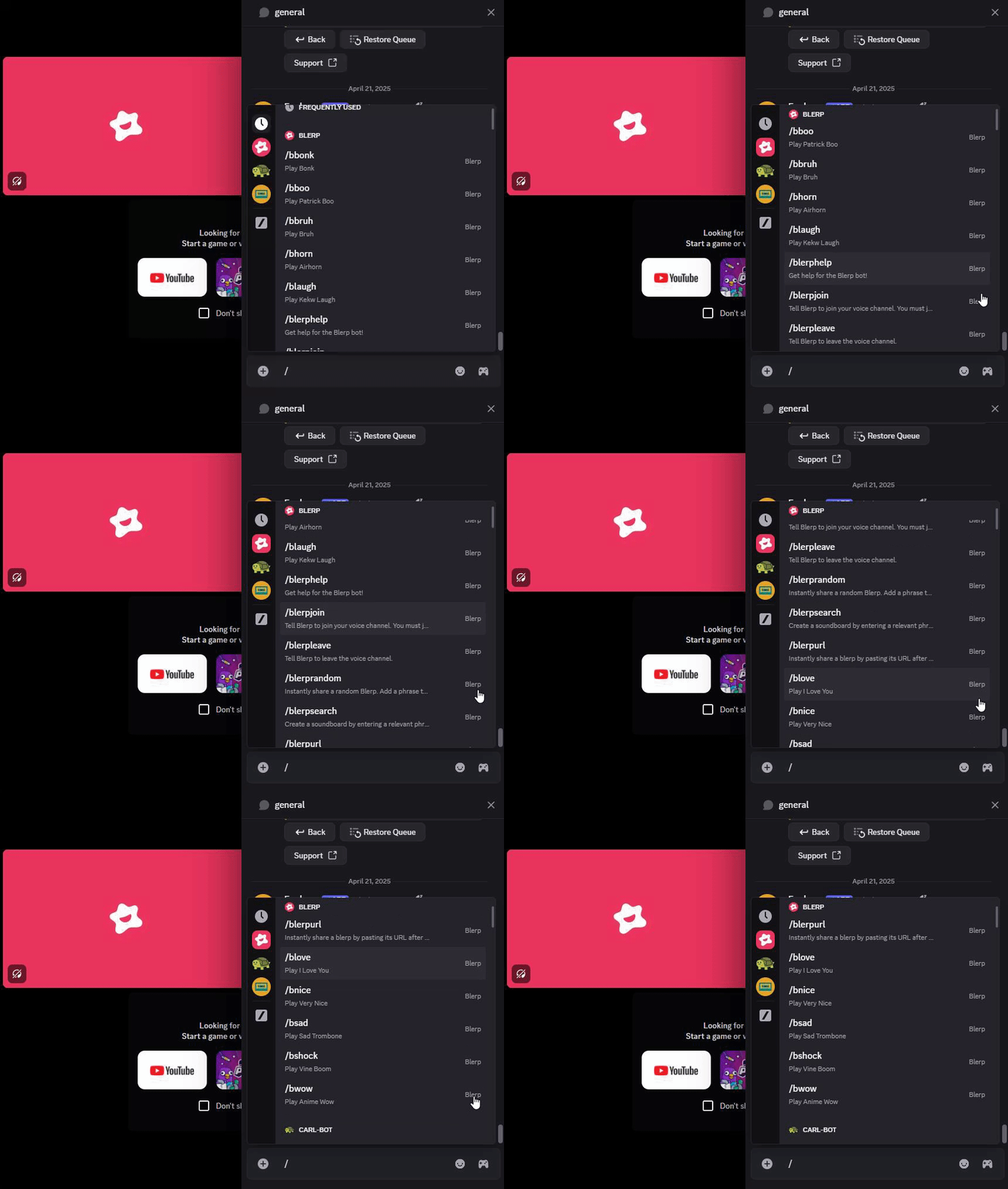
Join a voice channel on your server, then in the voice channel chat type:
/blerpjoin
This will invite the bot to your current channel.
Step 3: Browse & Use Sounds
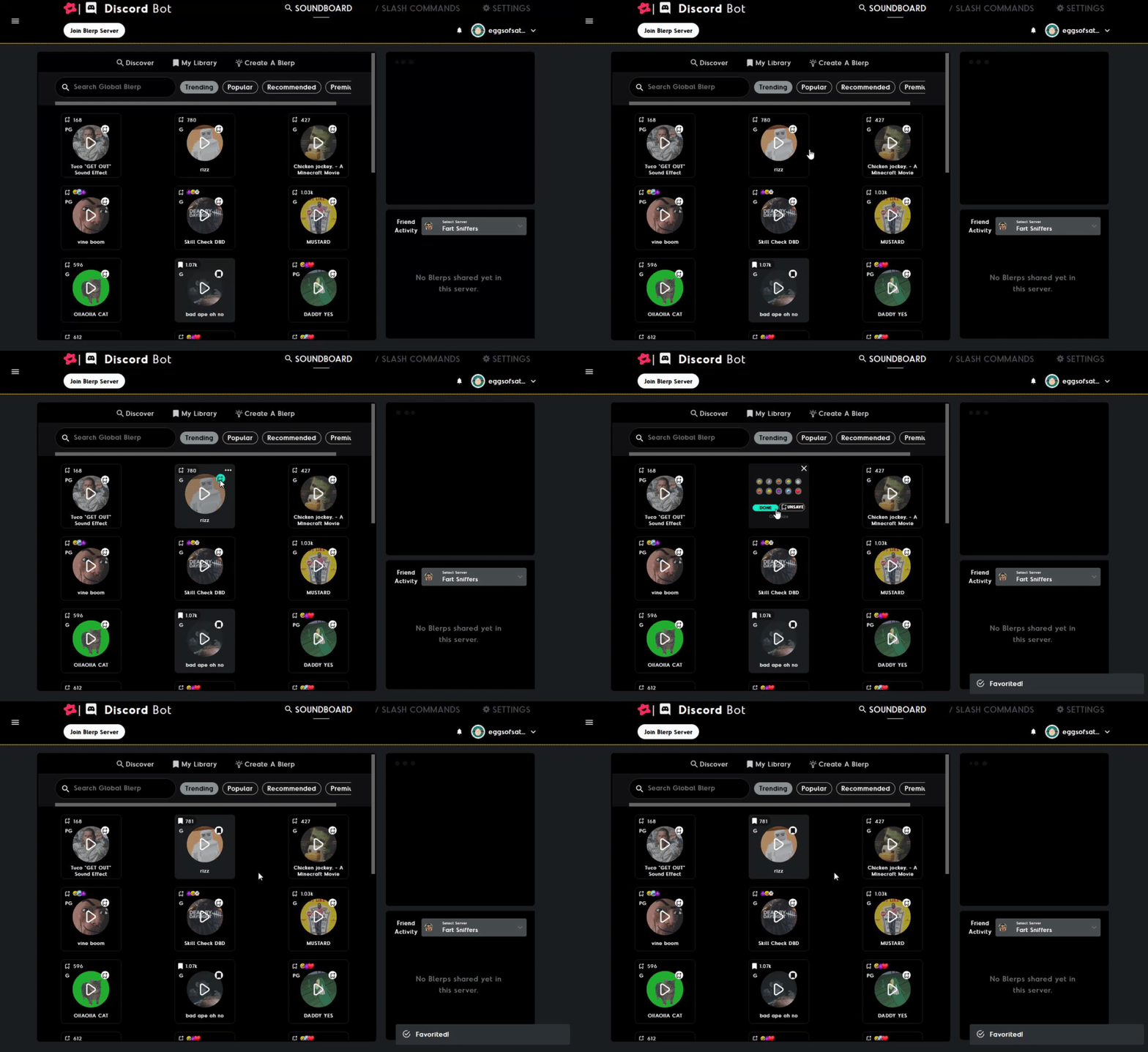
Head to the Blerp Discord Console
From there, you can:
- Browse trending and featured sounds
- Save your favorite soundbites
- Create your own audio from Twitch clips, YouTube videos, or uploads