Kick channel points are one of the easiest ways to turn passive viewers into active participants. When you combine Kick channel point rewards with sound alerts, you give your chat something fun, instant, and interactive to trigger during your stream.
With Blerp’s native Kick channel points integration, you can now create, manage, and customize sound-based rewards directly.
In this guide, you’ll learn how to add sound alerts to Kick channel points using Blerp, from connecting your account to managing advanced reward settings.
What You Need to Get Started
A Kick account
A free Blerp account
OBS or your streaming software
The Blerp Universal Extension (works across Kick, Twitch, YouTube, TikTok, and more)
Step 1: Open the Blerp Stream Editor
Go to blerp.com
Switch to the Stream Editor
From the top menu, select Alerts
Choose Kick Channel Points from the dropdown
This is where you’ll manage all Kick sound alerts and channel point rewards.
Step 2: Connect Your Kick Account
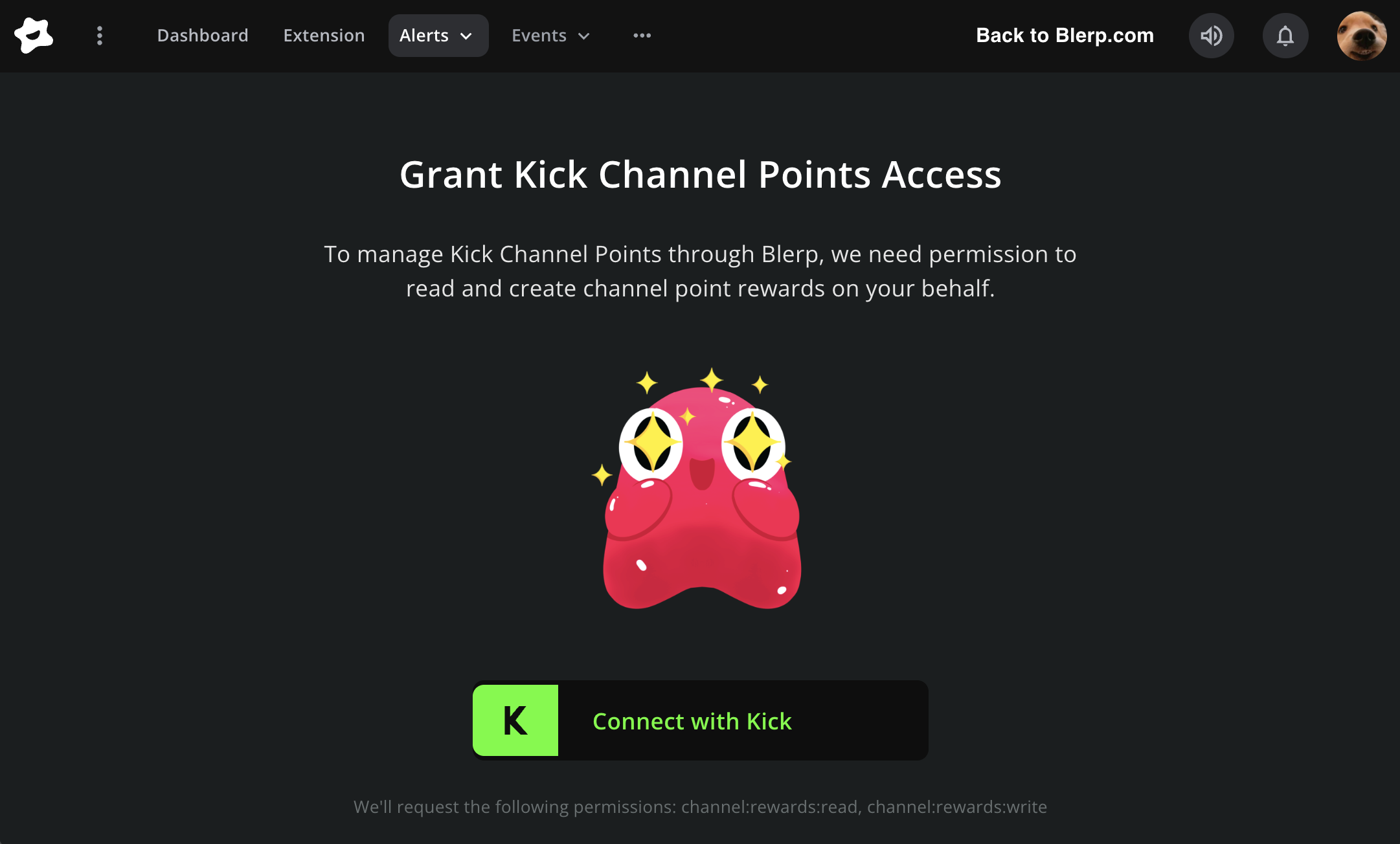
Under Grant Channel Point Access, click Connect with Kick
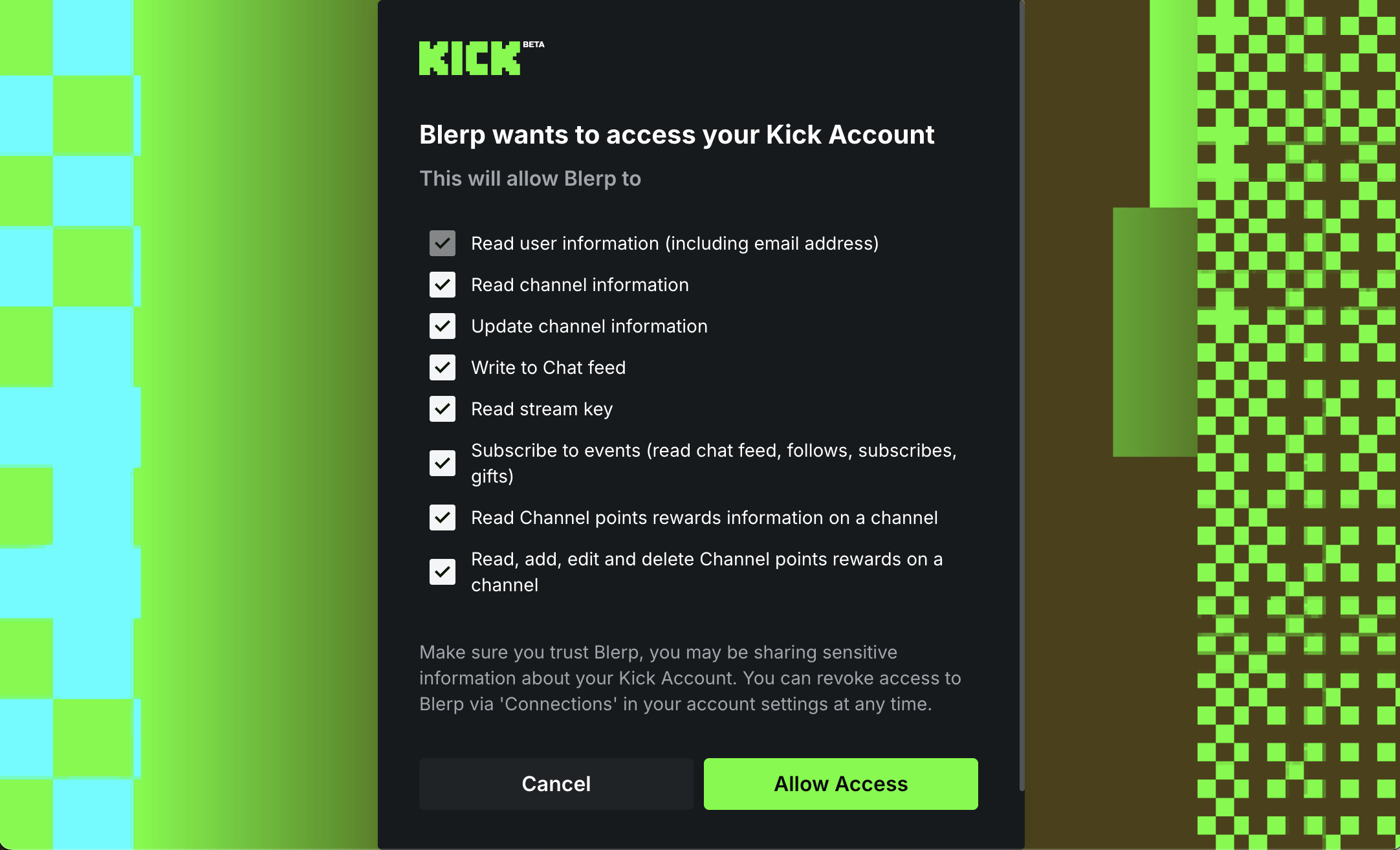
Select Allow Access
Once connected, Blerp can create and manage channel point rewards directly on your Kick channel.
Your Kick channel points are now connected.
Step 3: Create Your First Kick Channel Point Sound Reward
To add a new reward:
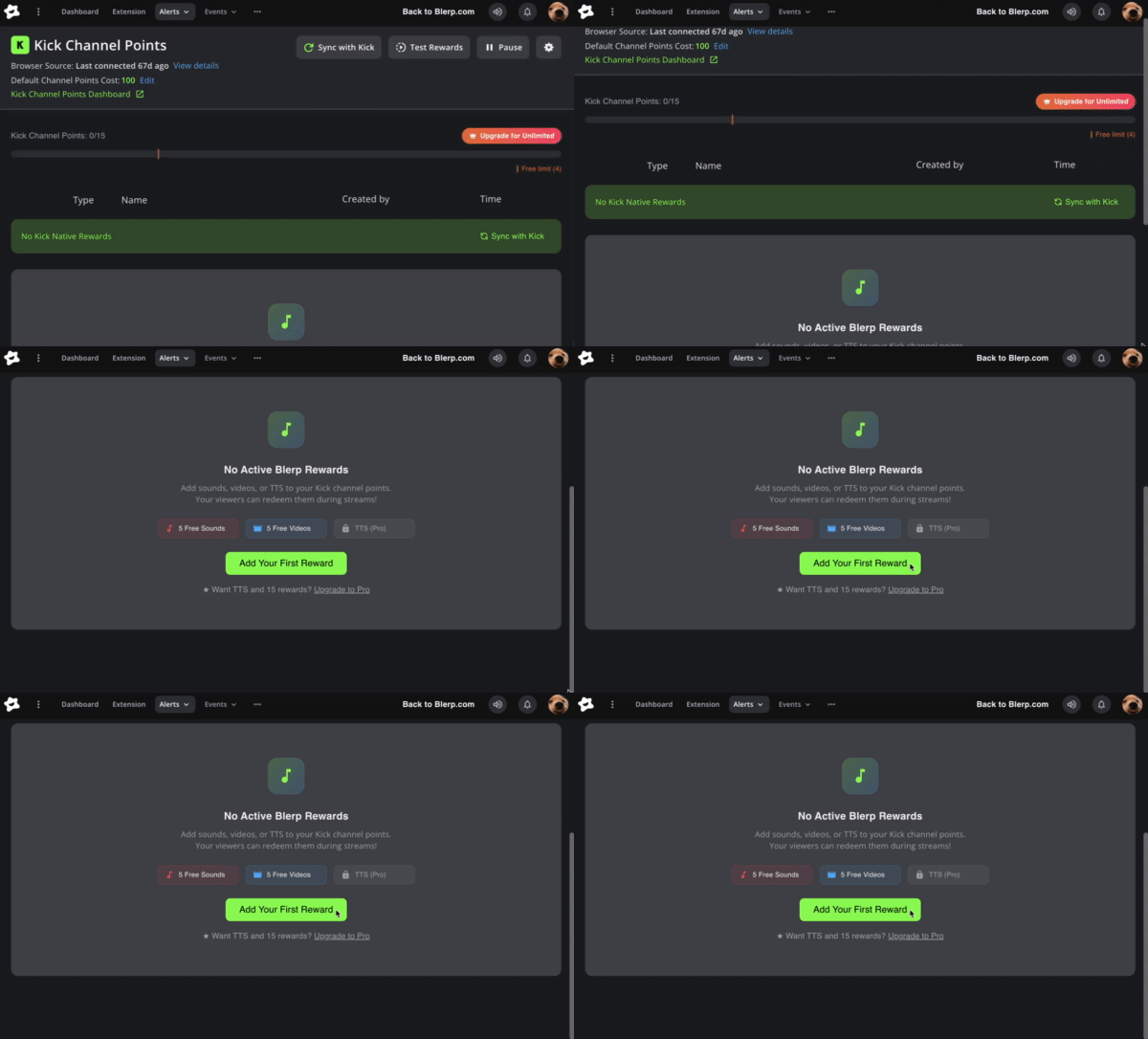
Click Add Your First Reward
The Blerp sound library will open
Search or browse for a sound
Click the “+” icon on the sound
That sound is now linked to a Kick channel point reward.
Step 4: Customize Your Channel Point Reward
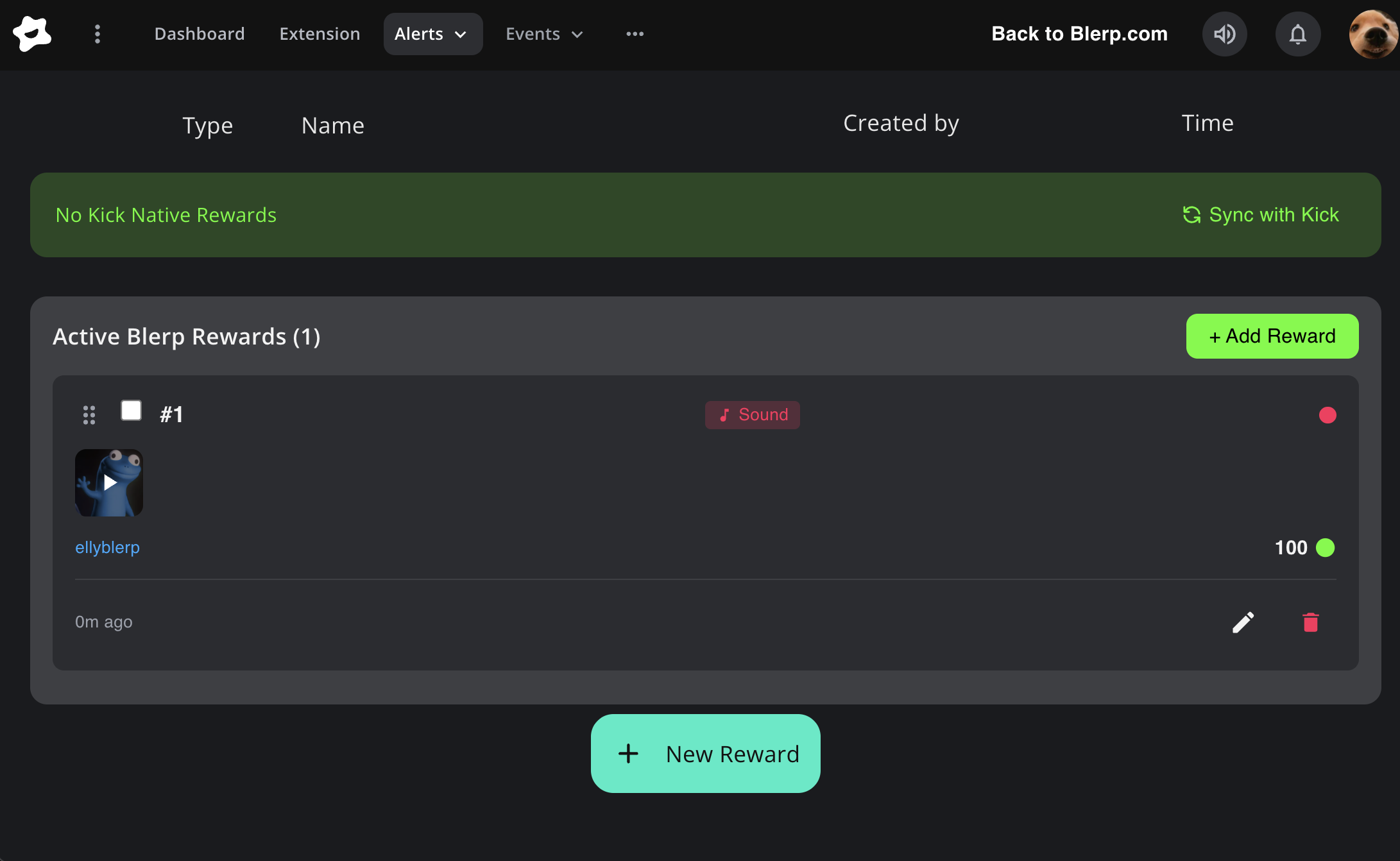
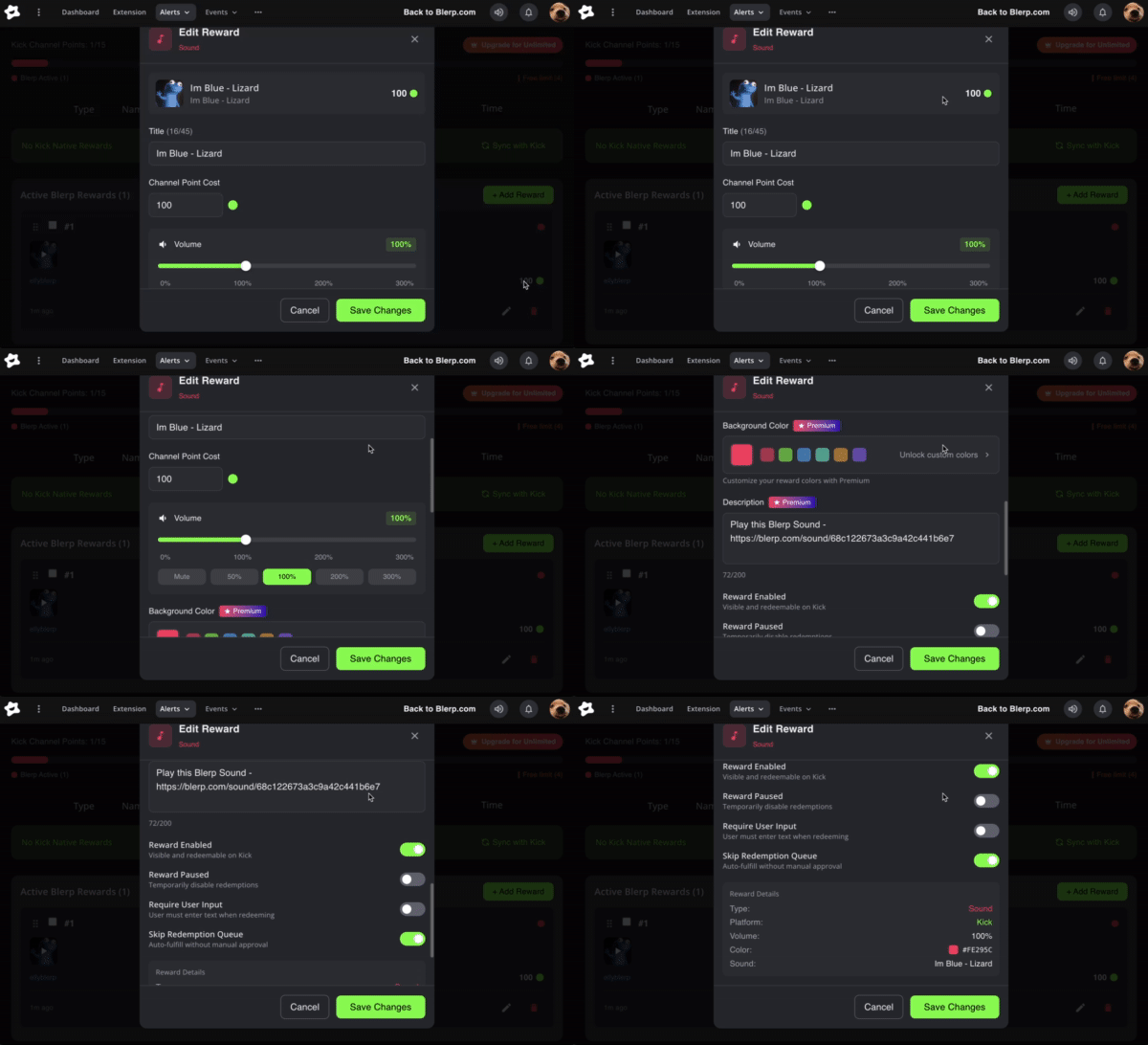
After adding a reward, it will appear in your Active Blerp Rewards list.
You can edit:
Reward title
Channel point cost
Sound volume
With a Blerp subscription, you can also:
This lets you match your channel’s vibe and make rewards clearer for viewers.
Step 5: Advanced Reward Controls
Each Kick channel point sound alert includes built-in controls to keep things fun without overwhelming your stream:
These tools help you control pacing, especially during hype or high-traffic streams.
Blerp Channel Points on the Universal Extension
Blerp also offers its own channel point system, which is available through the Blerp Universal Extension. These Blerp Channel Points are separate from Kick’s native channel points and are redeemed directly through the Universal Extension.
This option is ideal if you:
Stream on platforms without native channel points
Multistream across Kick, YouTube, TikTok, or other platforms
Want one consistent interaction system across all your streams
With Blerp Channel Points, viewers redeem sounds through the Universal Extension instead of the Kick channel points menu.
Best Practices for Kick Channel Point Sound Alerts
To get the most out of your channel points:
Keep costs low for short, repeatable sounds
Use higher costs for rare or impactful alerts
Adjust volume so alerts don’t overpower your mic
Rotate sounds occasionally to avoid burnout
Why Blerp?
Blerp’s Universal Extension works across platforms, but with native Kick channel points support, Kick streamers now get a fully integrated experience.
You get:
Final Thoughts
Adding sound alerts to your Kick channel point rewards is one of the fastest ways to boost engagement without changing your content. With Blerp, setup takes just a few clicks, and your viewers get interactive moments they’ll want to trigger again and again.
If you want your Kick stream to feel more alive, Kick channel point sound alerts powered by Blerp are a great place to start.