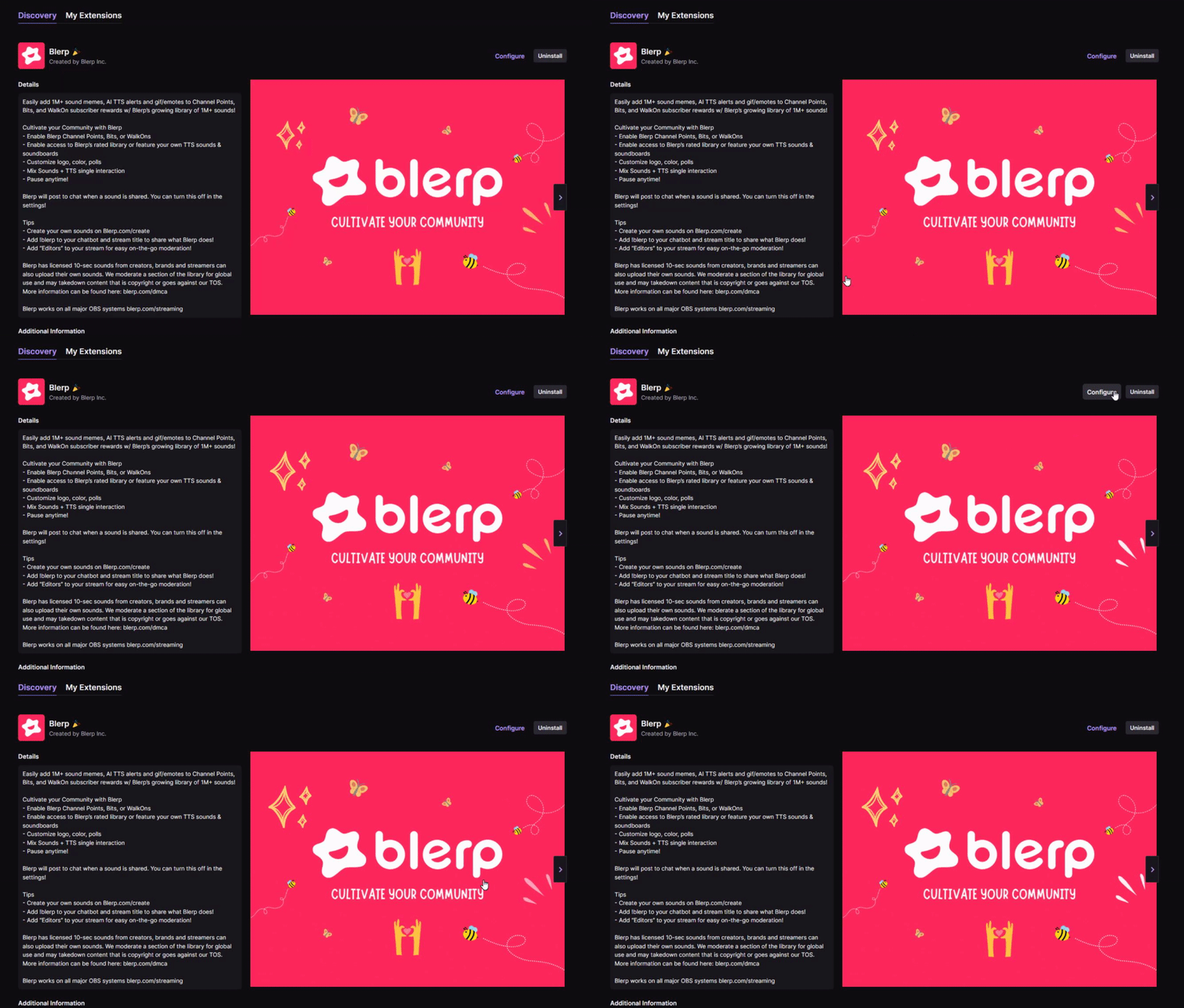
Boost Your Twitch Stream with Blerp: The Ultimate Twitch Soundboard Extension
Looking to level up your Twitch stream with interactive, engaging content? The Twitch soundboard extension from Blerp is your go-to solution for creating unforgettable moments with your audience. Blerp’s cutting-edge extension lets your viewers trigger sound effects, memes, and custom audio clips using Channel Points, Bits, or subscriptions, transforming your stream into a dynamic, community-driven experience. Here’s why Blerp is the best Twitch soundboard extension and how it can help you grow your channel.
Why Choose Blerp’s Twitch Soundboard Extension?
Blerp stands out as the premier Twitch soundboard extension because it’s designed to maximize viewer engagement, boost interactivity, and even increase your streaming revenue. Whether you’re a Twitch Affiliate, Partner, or just starting out, Blerp offers a seamless way to integrate sound alerts into your livestream. Here are the top reasons to choose Blerp:
- Unmatched Customization: Create custom soundboards with over 1 million user-generated sounds or upload your own MP3, WAV, YouTube, or Twitch clips. Tailor your soundboard to match your brand and stream vibe.
- Channel Points Integration: Reward loyal viewers by letting them redeem Channel Points to play sound emotes, fostering deeper community interaction. You can set up over 50 sound rewards, with no limits on creativity.
- Monetization Opportunities: Earn 100% of Bits spent through Blerp’s universal extension, unlike standard Twitch extensions where you get 80%. Use Bits to set premium sound alerts and boost your revenue.
- DMCA-Safe Sounds: Blerp ensures peace of mind with reviewed, DMCA-safe sounds, so you can focus on streaming without copyright worries.
- Subscriber-Only Soundboards: Create exclusive soundboards for subscribers or top fans, incentivizing subscriptions and rewarding your most loyal viewers.
- Fast and User-Friendly: Blerp’s lightning-fast loading and intuitive interface make setup a breeze, taking less than 10 minutes.
How to Set Up Blerp’s Twitch Soundboard Extension
Getting started with Blerp’s Twitch soundboard extension is quick and easy. Follow these steps to enhance your stream:
- Install the Extension: Visit blerp.com and sign up for a free account. Install the Blerp Twitch Extension via the Twitch Creator Dashboard.
- Enable Channel Points: Ensure you’re a Twitch Affiliate or Partner and activate Channel Points in your Twitch dashboard. Then, grant Blerp access via blerp.com/twitch-config.
- Create Your Soundboard: Browse Blerp’s library of over 1 million sounds or upload your own. Organize sounds into buckets for random playback or set specific sounds for Channel Points, Bits, or subscriptions.
- Customize Rewards: Adjust sound prices, cooldowns, and odds for random buckets. You can even edit reward icons in the Twitch Channel Points dashboard to match your branding.
- Go Live: Once set up, your viewers can trigger sounds directly from the Twitch app (desktop or mobile), creating hilarious and shareable moments.
For a detailed guide, check out Blerp’s setup tutorial or join the Blerp Discord community for tips from other streamers.
Benefits of Using Blerp for Your Twitch Stream
Integrating Blerp’s Twitch soundboard extension into your livestream offers multiple benefits that can help you grow your audience and revenue:
- Enhanced Viewer Engagement: Sound emotes create a fun, interactive environment, encouraging viewers to stay longer and participate more. Streamers report huge growth in community engagement thanks to Blerp.
- Increased Subscriptions: Subscriber-only soundboards and WalkOn sounds (played when subscribers join your stream) incentivize viewers to subscribe, boosting retention.
- Viral Moments: Blerp’s sound memes and custom clips can lead to shareable, viral content, helping you reach new audiences on Twitch, TikTok, and beyond.
- Cross-Platform Support: Blerp works not only on Twitch but also on YouTube, Facebook Gaming, and other platforms, making it a versatile tool for multi-platform streamers.
- Revenue Growth: Monetize your soundboard with Bits and Channel Points, earning more from viewer interactions. Blerp’s 100% Bits payout is a game-changer for Affiliates and Partners.
Tips to Optimize Your Blerp Soundboard for Maximum Impact
To get the most out of Blerp’s Twitch soundboard extension, follow these pro tips:
- Curate Thematic Soundboards: Create soundboards tied to your stream’s theme (e.g., gaming, memes, or pop culture) to resonate with your audience.
- Use Random Buckets: Set up buckets where one sound plays randomly from a group, adding an element of surprise that keeps viewers coming back.
- Promote Interaction: Announce your soundboard in-stream and encourage viewers to use Channel Points or Bits to trigger sounds, driving engagement.
- Leverage Subscriber Perks: Offer exclusive soundboards or WalkOn sounds for subscribers to increase subscription rates.
- Monitor and Update: Regularly refresh your soundboard with new clips to keep the experience fresh and exciting for your community.
Why Streamers Love Blerp
Don’t just take our word for it—here’s what streamers are saying about Blerp’s Twitch soundboard extension:
“to all my new streamer friendos that want to have cool sound alerts! I have been using blerp since I got affiliated and I highly recommend them! the set up is easy and there's various of default sounds and u can even make custom sounds!”
Since its approval on the Twitch Extension Store in May 2024, Blerp has continued to innovate with features like AI-powered sound ratings, lightning-fast loading, and new emote customization options.
Get Started with Blerp Today
Ready to transform your Twitch stream with the best Twitch soundboard extension? Sign up for Blerp for free at blerp.com and install the extension today. With Blerp, you’ll create a more engaging, interactive, and profitable stream that your viewers will love. Join thousands of streamers worldwide who trust Blerp to bring their streams to life.
Happy streaming, and let’s make some epic sound moments together!
Want to learn more? Visit blerp.com for tutorials, sound libraries, and community support. Follow Blerp on Twitter for the latest updates.
Here Are Some Useful Links
🔗 Blerp Links
🎮 Twitch Official Hype Train Resources
📢 Streamer Growth & Engagement
📱 Social Media Promotion Tips
🛠 Recommended Twitch Extensions & Tools