What You Need to Set Up Sound Alerts on Twitch
Setting up sound alerts on Twitch is a straightforward way to enhance your stream’s interactivity, and it starts with having the right tools and setup. With just a few essentials, you can create a Twitch soundboard setup that engages your audience and adds flair to your broadcasts. Here’s a quick checklist to make the process approachable and actionable, ensuring you’re ready to roll with the best sound alerts for streaming.
First, you’ll need streaming software like OBS Studio or Streamlabs Desktop. These platforms are the backbone of your stream, allowing you to manage audio, video, and overlays seamlessly. They integrate with sound alert tools to ensure smooth playback during your broadcasts. If you’re new to streaming, both OBS and Streamlabs offer free, user-friendly options to get started.
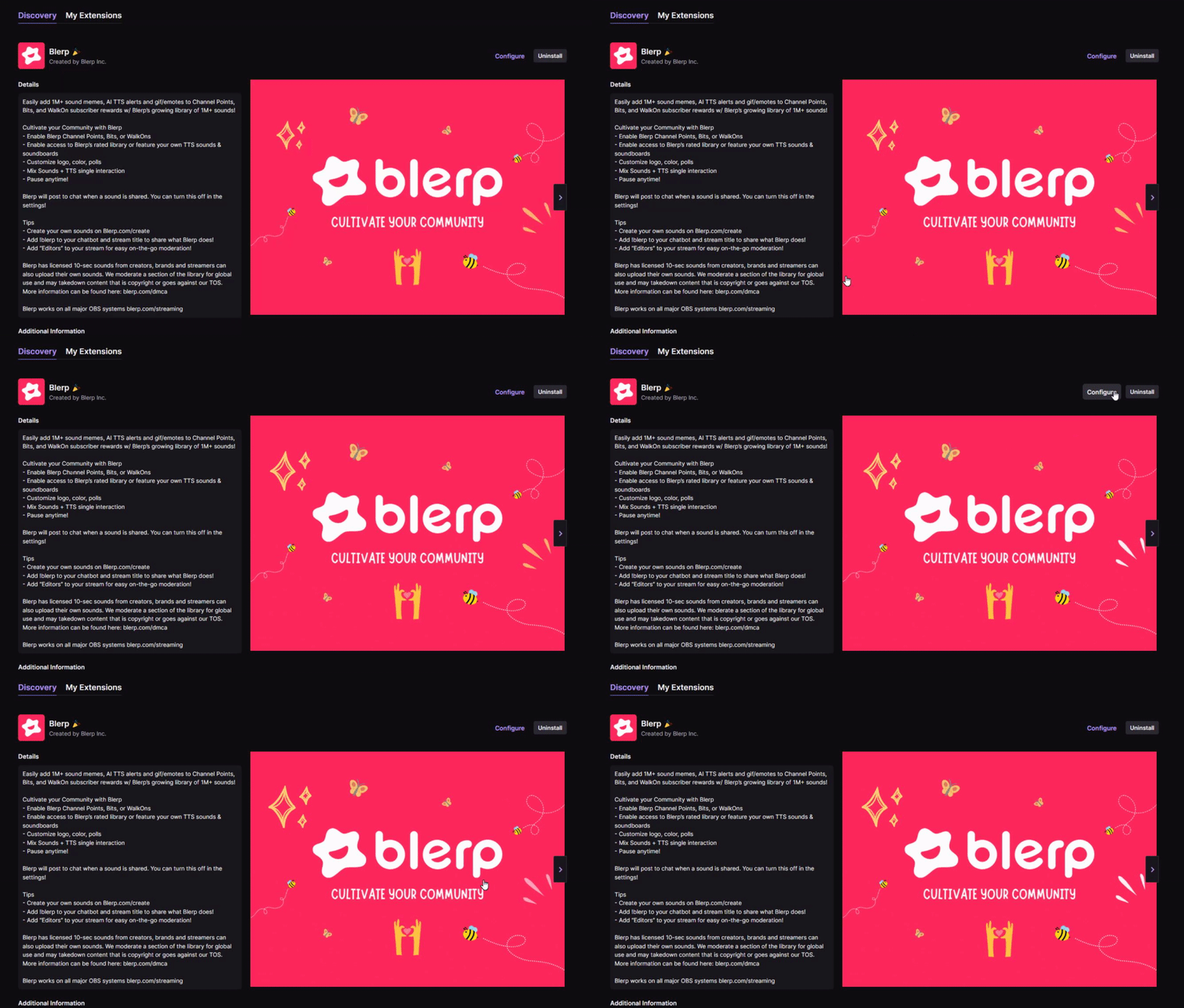
Next, choose a sound alert tool like Blerp, which offers a robust library of over one million DMCA-safe sounds. This is crucial to avoid copyright issues while providing a variety of clips, from memes to custom audio, that match your stream’s vibe. Blerp’s Universal Extension for Twitch makes it easy to add and manage alerts, ensuring a hassle-free Twitch soundboard setup.
Finally, ensure your Twitch account has Channel Points or a donation system enabled. Channel Points let viewers redeem points to trigger sound alerts, boosting engagement, while donation systems like Streamlabs or PayPal can tie alerts to contributions. Verify these features are active in your Twitch dashboard under the “Community” or “Creator Dashboard” settings.
With these tools—streaming software, a sound alert platform like Blerp, and an active Twitch account—you’re set to create an interactive experience that keeps viewers coming back. Let’s move on to setting them up!
Step-by-Step Guide to Adding Sound Alerts with Blerp
Adding sound alerts to your Twitch stream with Blerp is a breeze, and this step-by-step guide will have you set up in no time. Blerp’s Universal Extension and vast library of DMCA-safe sounds make it the go-to solution for creating custom sound alerts on Twitch. Follow these steps to learn how to set up Blerp for Twitch and boost your stream’s interactivity.
Step 1: Sign Up for Blerp and Install the Universal Extension
Start by creating a free account on Blerp’s website (blerp.com). Once signed in, head to the Twitch Extensions page in your Creator Dashboard. Search for “Blerp Universal Extension” and install it. Activate the extension as a panel or overlay in your Twitch settings to enable sound alert functionality for your viewers.
Step 2: Browse or Upload Custom Sounds
Explore Blerp’s library of over one million sounds, including meme clips, sound effects, and walk-on sounds. Filter by categories like “gaming” or “funny” to find clips that fit your stream’s vibe. Want something unique? Upload your own custom sounds (ensure they’re DMCA-safe) to personalize your Twitch soundboard with Blerp’s intuitive dashboard.
Step 3: Integrate Blerp with OBS/Streamlabs
For seamless playback, connect Blerp to your streaming software. In OBS or Streamlabs, add a browser source and paste the unique Blerp overlay URL provided in your Blerp dashboard. Adjust the source size and position to ensure alerts display correctly during your stream without obstructing key visuals.
Step 4: Set Up Channel Point Redemptions or Donation Triggers
In your Twitch Creator Dashboard, enable Channel Points and create a custom reward (e.g., “Play a Sound Alert”) linked to Blerp. Set the point cost to encourage participation. Alternatively, connect Blerp to donation platforms like Streamlabs to trigger sounds with tips. Customize access levels (e.g., subscribers-only) in Blerp’s settings.
Step 5: Test Alerts and Promote Them
Run a test stream to ensure sounds play correctly and audio levels are balanced. Check that Channel Points or donation triggers work as expected. Once live, hype up your alerts! Announce them in your stream title, chat, or X posts (e.g., “Redeem points for epic sound alerts!”) to get viewers excited about interacting.
With Blerp, setting up custom sound alerts on Twitch is quick and fun, letting you create engaging, memorable moments. Start today and watch your community thrive!
Creative Ideas for Using Sound Alerts to Boost Engagement
Sound alerts are a fantastic way to elevate your Twitch stream, and with a bit of creativity, they can skyrocket your viewer engagement. By leveraging fun sound alerts for streaming, you can create a unique, interactive experience that keeps your audience hooked. Here are some practical Twitch engagement ideas to maximize sound alerts using Blerp, ensuring your stream stands out and fosters a vibrant community.
Theme-Based Alerts
Tailor your sound alerts to your stream’s content for a cohesive vibe. Playing a horror game? Set up jump-scare sound effects that trigger during tense moments, amplifying the suspense. For anime-themed streams, use iconic quotes from popular shows like Naruto or Attack on Titan to delight fans. Blerp’s extensive library makes it easy to find or upload theme-specific clips that resonate with your audience, enhancing immersion and excitement.
Viewer-Submitted Sounds
Get your community involved by letting viewers submit their own sound clips via Blerp (ensure they’re DMCA-safe). Host a “Sound Submission Sunday” where fans send in funny or creative audio for approval. This not only boosts participation but also makes viewers feel like co-creators of your stream. Announce new additions in your chat or on X to keep the hype going, driving deeper engagement.
Exclusive Walk-On Sounds for Loyal Viewers
Reward your most dedicated fans with Blerp’s WalkOn feature, which lets you assign personalized walk-on sounds to specific viewers. For example, a subscriber could trigger a signature catchphrase or epic theme song when they join the stream. Offer these as Channel Point rewards or subscriber perks to incentivize loyalty, creating special moments that make fans feel valued.
Trending Memes for Relevance
Stay current by incorporating viral meme sounds from platforms like TikTok or X. Clips like “Ohio” or “Distracted Boyfriend” can spark laughter and keep your stream culturally relevant. Blerp’s library is packed with trending audio, and updating your soundboard with fresh memes ensures your content feels timely and entertaining, encouraging viewers to share clips online.
These creative ideas transform sound alerts into a cornerstone of your Twitch engagement strategy. With Blerp, you can easily implement these concepts to build a lively, connected community that can’t wait to tune in.
Why Choose Blerp for Your Twitch Sound Alerts
When it comes to elevating your Twitch stream with sound alerts, Blerp stands out as the best Twitch soundboard extension, offering unmatched features that drive engagement and streamline setup. Whether you’re a beginner or a seasoned streamer, Blerp’s unique blend of variety, integration, and affordability makes it the top choice for Blerp sound alerts. Here’s why thousands of streamers trust Blerp to transform their streams into interactive, memorable experiences.
Massive DMCA-Safe Sound Library
Blerp boasts over 1 million DMCA-safe sounds, from viral memes to cinematic effects, all reviewed to ensure copyright compliance. This vast library lets you find or upload clips that perfectly match your stream’s vibe, whether it’s gaming, just chatting, or creative content. Unlike competitors, Blerp’s extensive, safe selection eliminates copyright worries, letting you focus on entertaining your audience.
Seamless Integration with Twitch and Beyond
Blerp integrates effortlessly with Twitch, Discord, and streaming software like OBS and Streamlabs. Its Universal Extension allows viewers to trigger sounds via Channel Points, Bits, or Blerp Beets directly from your stream, even on mobile. Plus, Blerp’s browser source ensures smooth playback, making it a breeze to add dynamic audio to your setup, no matter your platform.
Customizable Viewer Access
Blerp empowers you to tailor who can trigger sounds. Set up subscriber-only soundboards, exclusive WalkOn sounds for top fans, or tiered access for starred users. You can adjust cooldowns, prices, and content ratings to control the chaos, ensuring alerts enhance your stream’s vibe without overwhelming it. This flexibility fosters community loyalty and boosts subscriptions.
Affordable for All Streamers
Blerp’s free tier is robust, offering 50+ Channel Point rewards and unlimited Bit alerts, perfect for new streamers. Premium features, like advanced customization, come at budget-friendly prices, and Blerp’s 100% Bits revenue split (unlike the standard 80%) maximizes your earnings. It’s an accessible, high-value solution for streamers of all sizes.
Choose Blerp to supercharge your Twitch stream with engaging, safe, and customizable sound alerts. Sign up at blerp.com and make every moment epic!
Common Mistakes to Avoid with Sound Alerts
Sound alerts can transform your Twitch stream into an interactive masterpiece, but missteps can derail the experience. By avoiding these common Twitch sound alert mistakes, you’ll ensure your alerts enhance engagement without frustrating viewers or risking your channel. Here’s what to watch out for, along with tips for using safe sound alerts for streaming to keep your stream professional and fun.
Overloading Streams with Too Many Alerts
More isn’t always better. Flooding your stream with excessive sound alerts can overwhelm viewers, disrupt your content, and make your broadcast feel chaotic. Balance is key—limit active alerts to a manageable number (e.g., 10–15) and use cooldowns to prevent spamming. Tools like Blerp let you set timers or restrict access to subscribers, ensuring alerts add excitement without taking over. Regularly review your soundboard to keep it fresh and relevant.
Using Copyrighted Sounds
One of the biggest pitfalls is using copyrighted audio, which can lead to DMCA strikes, muted VODs, or even channel bans. Avoid grabbing random clips from YouTube or TikTok, as these often include protected material. Instead, stick to DMCA-safe options like Blerp’s library of over 1 million vetted sounds, including memes and effects designed for streaming. Blerp’s curated selection ensures you stay compliant while delivering engaging audio that resonates with your audience.
Poor Audio Balance
Nothing turns viewers away faster than alerts that are too loud, too quiet, or clash with your voice and game audio. Before going live, test volume levels in OBS or Streamlabs to ensure alerts are audible but not overpowering. Use Blerp’s audio settings to fine-tune each clip and check your mix during a private stream. Regularly monitor feedback from your chat to adjust levels, keeping your stream’s audio polished and professional.
By sidestepping these pitfalls, you’ll maximize the impact of your sound alerts and create a seamless, engaging Twitch experience. Stick with safe, balanced audio, and let tools like Blerp help you shine.
How to Promote Your Sound Alerts to Viewers
Promoting your sound alerts effectively is key to maximizing viewer participation and boosting Twitch viewer interaction. By strategically showcasing your alerts, you can encourage your audience to engage, creating a lively, interactive stream that keeps them coming back. Here are actionable tips to promote Twitch sound alerts using Blerp, ensuring your community dives into the fun and makes every alert a highlight.
Highlight Alerts in Stream Titles and Overlays
Make your sound alerts impossible to miss by featuring them prominently. Include phrases like “Trigger Epic Sound Alerts!” in your Twitch stream title to grab attention right away. Add a dynamic overlay in OBS or Streamlabs using Blerp’s browser source to display recent alerts or top sounds, visually reminding viewers to participate. This constant visibility sparks curiosity and drives Channel Point redemptions or donations.
Create Hype with Special Events
Build excitement by hosting themed events centered around your sound alerts. Organize a “Meme Sound Night” where viewers redeem points to play trending clips from Blerp’s DMCA-safe library, like viral TikTok sounds or classic memes. Announce these events in your Twitch schedule and Discord to rally your community. Special events not only increase Twitch viewer interaction but also create shareable moments that can go viral.
Use Social Media to Showcase Funny Alert Moments
Amplify your alerts’ impact by sharing standout moments on social media, especially X. Post short clips of hilarious or epic sound alert triggers, tagging Blerp and using hashtags like #TwitchSoundAlerts or #Blerp. For example, share a perfectly timed jump-scare sound from a horror stream or a viewer’s custom WalkOn clip. These posts showcase your stream’s energy, attract new viewers, and encourage existing fans to join the fun.
Offer Channel Point Incentives for Frequent Users
Motivate consistent participation by rewarding frequent alert users. Create tiered Channel Point rewards in Twitch, such as “VIP Sound Trigger” for viewers who redeem multiple alerts, granting access to exclusive Blerp sounds. Offer bonus points for subscribers or starred users, incentivizing loyalty. Promote these perks in your chat and panels to keep the momentum going.
By actively promoting your sound alerts, you’ll turn them into a cornerstone of your stream’s engagement. With Blerp’s versatile tools, you can inspire your audience to interact and build a thriving, connected community.
Conclusion: Supercharge Your Twitch Stream with Blerp
Sound alerts are a game-changer for creating interactive Twitch streams that captivate and retain viewers. By adding humor, personality, and real-time engagement, they transform your broadcasts into dynamic experiences that foster community and fun. From meme-filled chaos to personalized walk-on sounds, alerts make every moment memorable, encouraging viewer participation through Channel Points, donations, or Blerp’s innovative features. Whether you’re a new streamer or a seasoned creator, sound alerts are a proven way to boost engagement and build a loyal audience.
Blerp stands out as the ultimate tool for streamers, offering unmatched ease of use, a massive library of over 1 million DMCA-safe sounds, and seamless integration with Twitch, Discord, and streaming software. Its customizable access options, like subscriber-only soundboards or exclusive WalkOn clips, empower you to tailor the experience to your community’s vibe. Blerp’s focus on community-driven audio, affordable pricing, and copyright safety makes it the go-to choice for Blerp for streamers looking to elevate their content without hassle.
Ready to take your Twitch stream to the next level? Sign up for Blerp today at blerp.com and start creating unforgettable stream moments. With Blerp’s intuitive soundboard and engaging features, you’ll turn passive viewers into active participants, building a thriving community that can’t wait to tune in. Don’t wait—supercharge your stream now and let your audience trigger the fun!
Here Are Some Useful Links
🔗 Blerp Links
🎮 Twitch Official Hype Train Resources
📢 Streamer Growth & Engagement
📱 Social Media Promotion Tips
🛠 Recommended Twitch Extensions & Tools