Creating the right vibe for your stream is key to standing out and connecting with your community. Whether you’re running a spooky horror night, a cozy chill session, or an all-out chaotic event, your alerts, sounds, and features should reflect that energy. That’s where Blerp Profiles come in.
With Profiles, you can build completely different sound setups for different streaming moods, then switch between them with just a few clicks. Here's how to do it:
Step 1: Open the Extension Settings
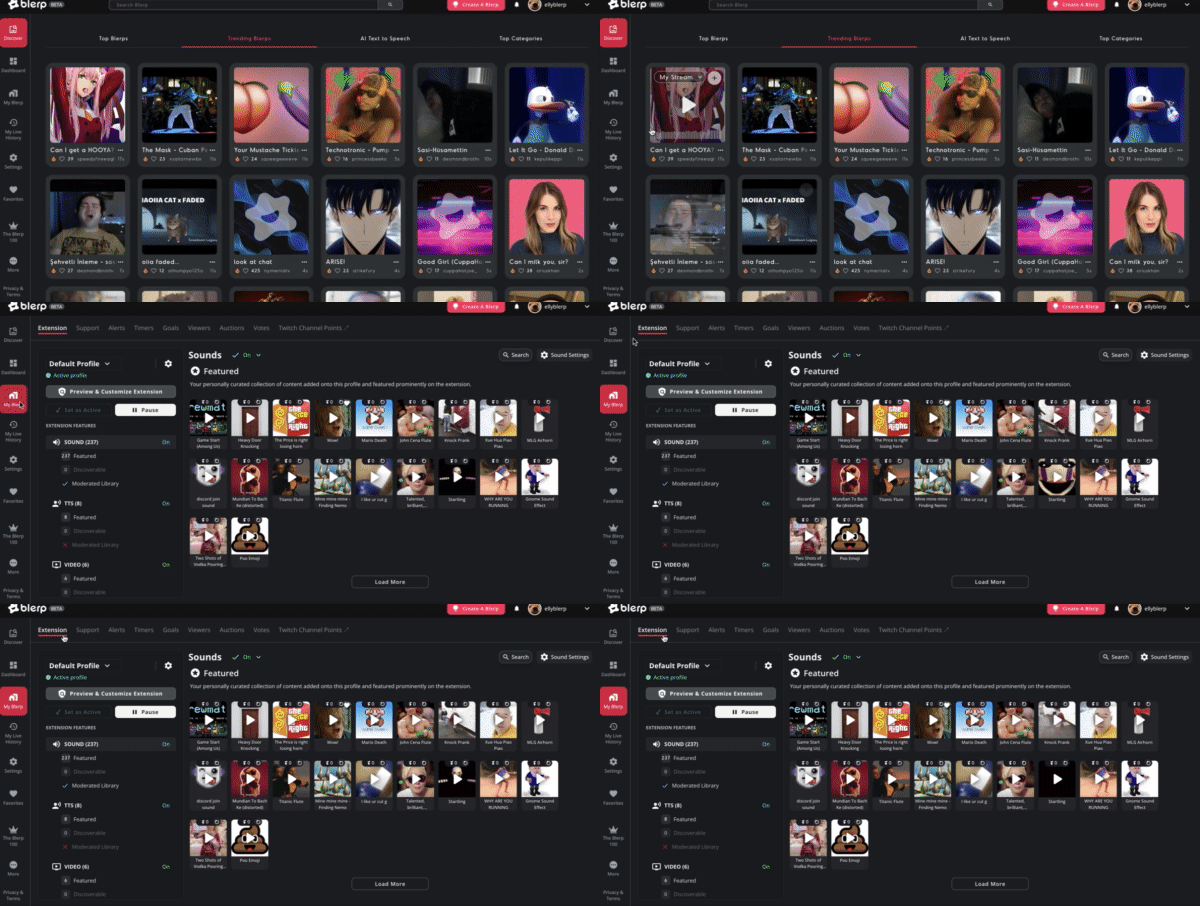
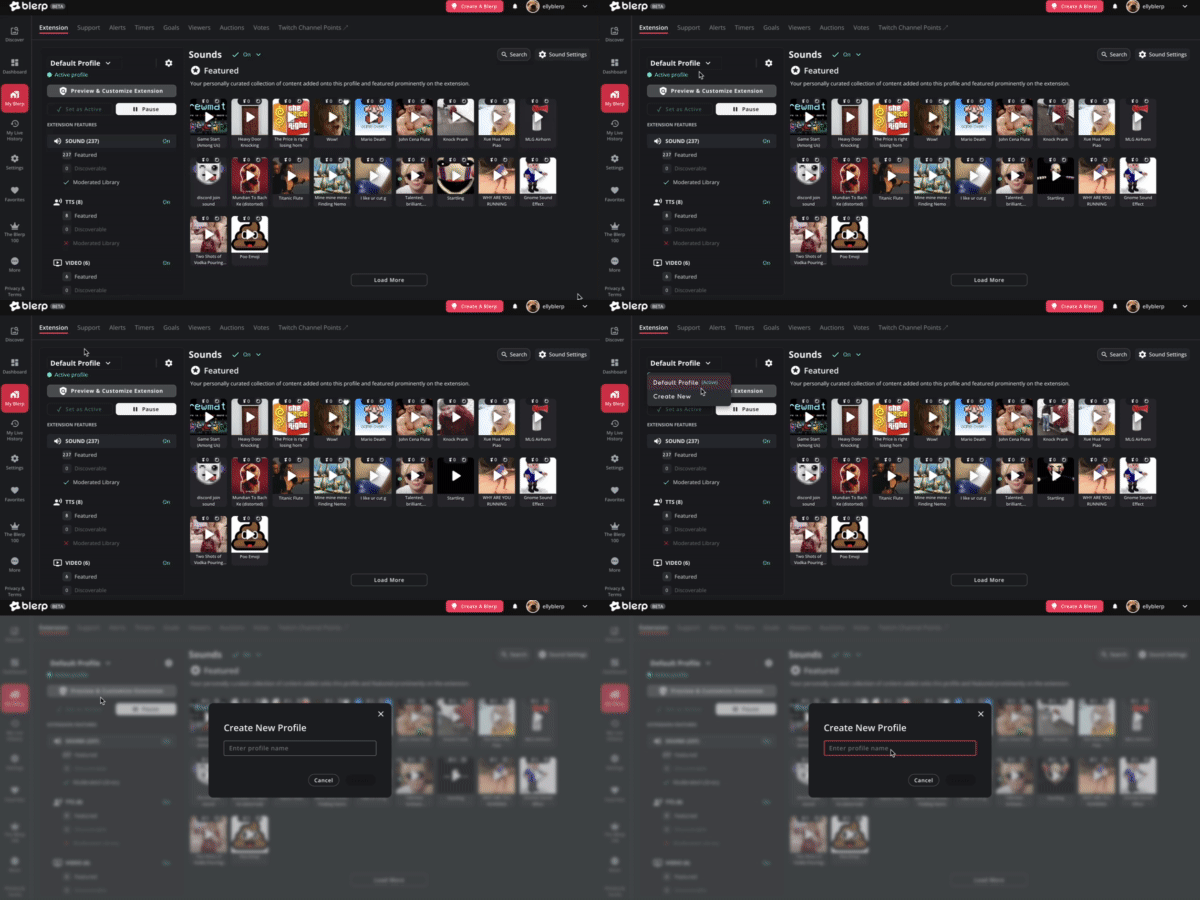
Head to "My Blerp" from the side menu and click on the "Extension" tab. From there, find the "Profile" dropdown menu. This is where you’ll create and manage all your different setups.
Step 2: Create a New Profile
Click the dropdown and select "Create New Profile." Give your new profile a name that fits the stream vibe, like Spooky Mode, Just Chatting, or Tryhard Ranked. Then, hit Create to get started.
Step 3: Customize Your Setup
Once your new profile is active, you can now:
- Feature specific soundboards or Blerps
- Enable or disable certain features like TTS, Firesale, Anarchy Mode, and more
- Adjust your settings to match the tone of your stream
Everything in this profile will stay unique to it, giving you the freedom to shape the experience for each type of stream.
Step 4: Swap Between Profiles Anytime
You can create multiple profiles to match all the different vibes you go for on stream. Switching between them is as easy as selecting a new one from the dropdown before you go live. No need to manually reset anything, just click and go.
Why Use Profiles?
Profiles let you:
- Keep your stream feeling fresh and thematic
- Quickly adapt your sounds and features to different content
- Get more engagement by matching the viewer experience to the moment
Ready to match your vibe?
Start building your stream-specific profiles now and bring the perfect energy to every session. Whether you’re scaring, chilling, or grinding, there’s a Blerp profile for that.