Sound alerts turn Kick channel point rewards from a passive currency into something your chat actually wants to spend. This guide covers the full setup — from connecting your account to getting audio playing through OBS — so your viewers can trigger sounds in under a minute.
Why do Kick sound alerts make channel points worth redeeming?
Most channel point rewards are forgettable. A color change, a highlighted message, viewers redeem once and move on. Sound alerts are different. They're instant, audible, and public. When a viewer redeems a sound, your whole stream reacts to it — not just the person who spent the points. That shared moment is what keeps chat coming back and redeeming again.
A few specific reasons they work:
They reward participation immediately, with zero delay
They create natural reactions — you respond, chat responds, the clip writes itself
They give viewers agency without you having to pause or manage anything
They make your stream feel alive during slower segments
If your channel points currently feel like they don't do much, sound alerts are the fastest fix.
What do you need before you start?
A Blerp account (free to start — set one up here)
OBS, Streamlabs OBS, or any streaming software that supports browser sources
Your Kick account connected to your streaming setup
That's it. No extra apps, no code.
Step 1: Open the Blerp Stream Editor
Go to blerp.com and log into your account.
From the top navigation, open the Stream Editor, then select Alerts from the menu. Use the dropdown to choose Kick Channel Points.
This is your home base for managing all Kick sound alerts and rewards.


Step 2: How do you connect your Kick account?
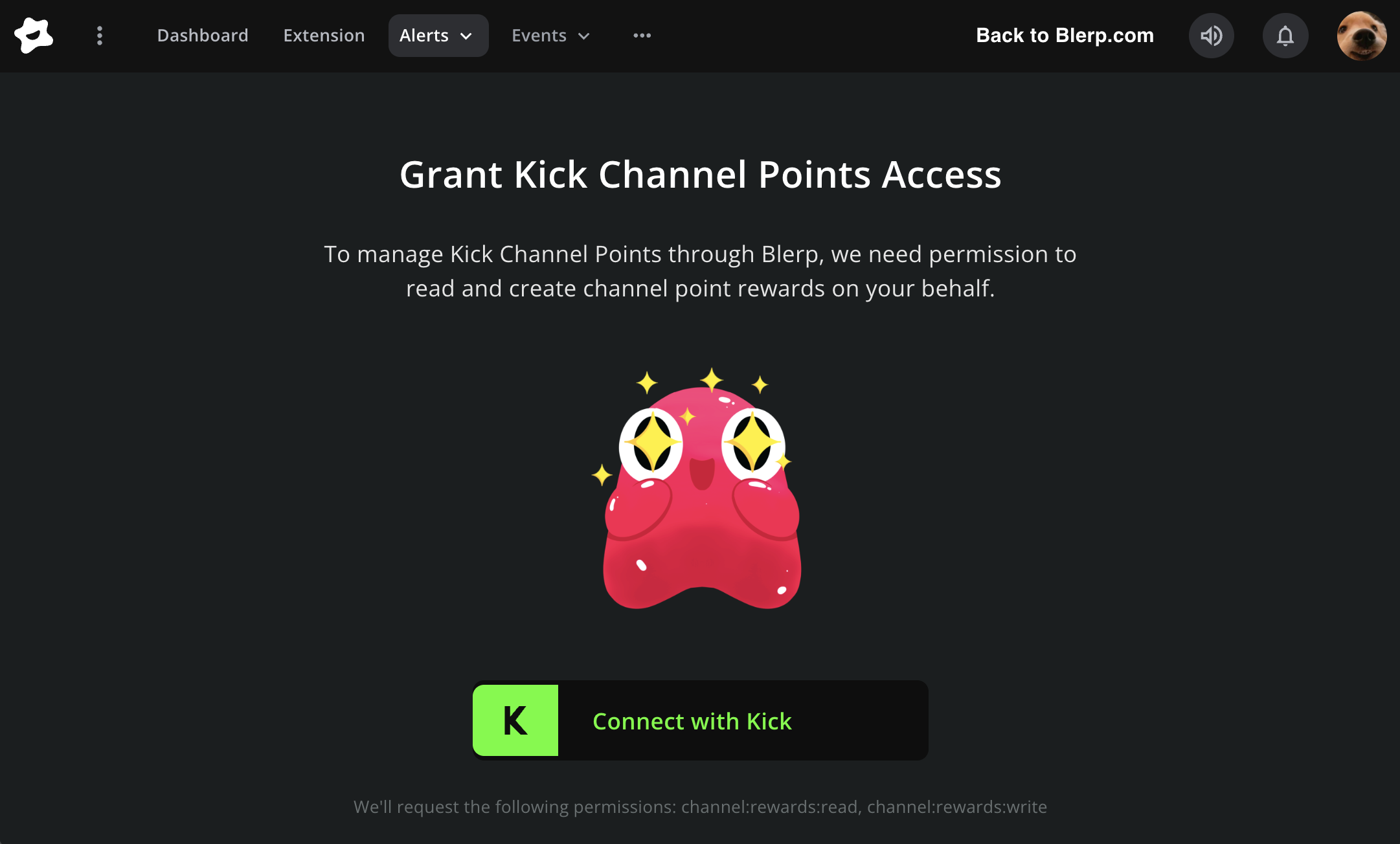
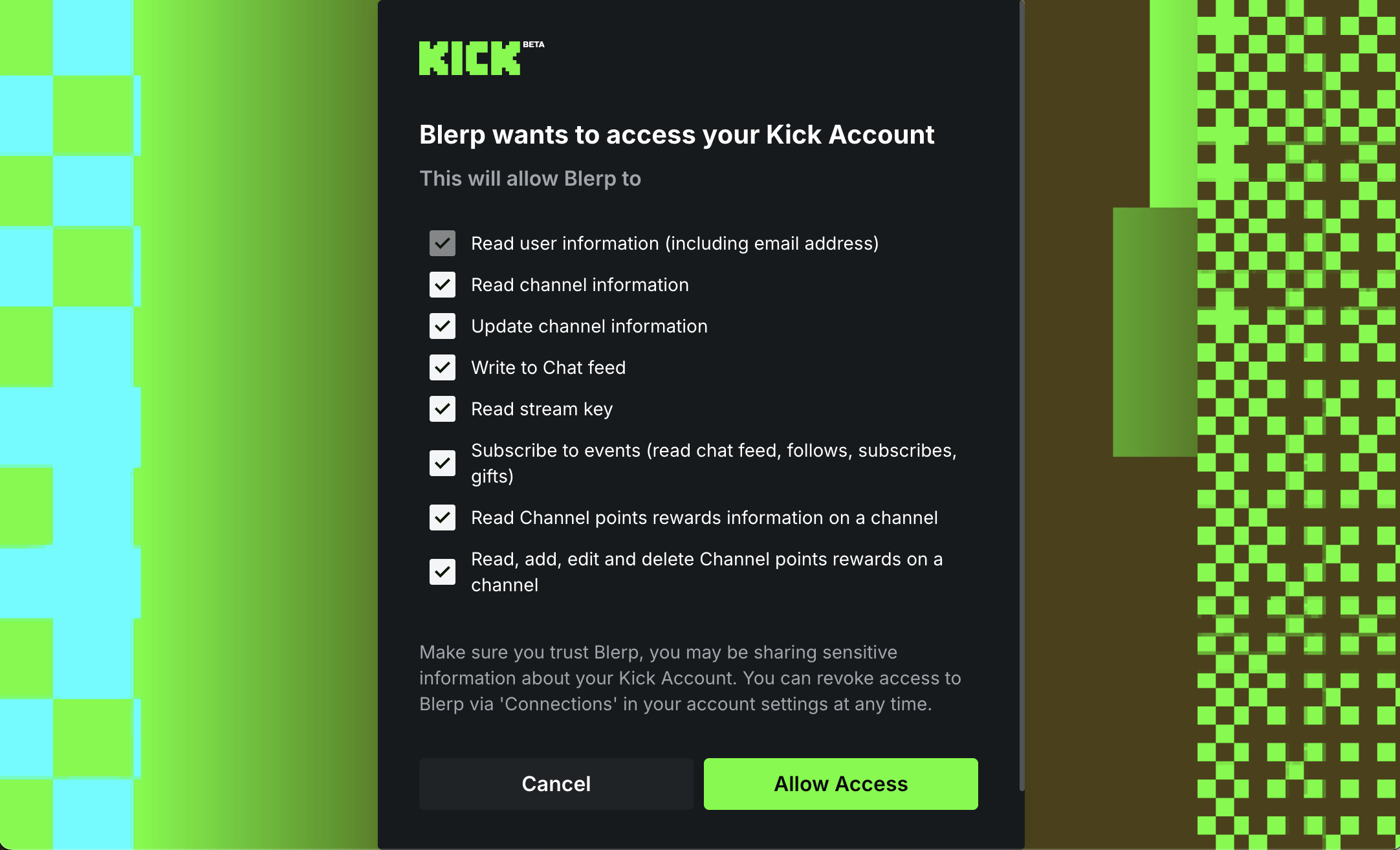
Under Grant Channel Point Access, click Connect with Kick, then select Allow Access when Kick prompts you.
Once connected, Blerp can create and manage channel point rewards directly on your Kick channel — you won't need to touch the Kick dashboard manually.

Step 3: How do you add your first sound reward?
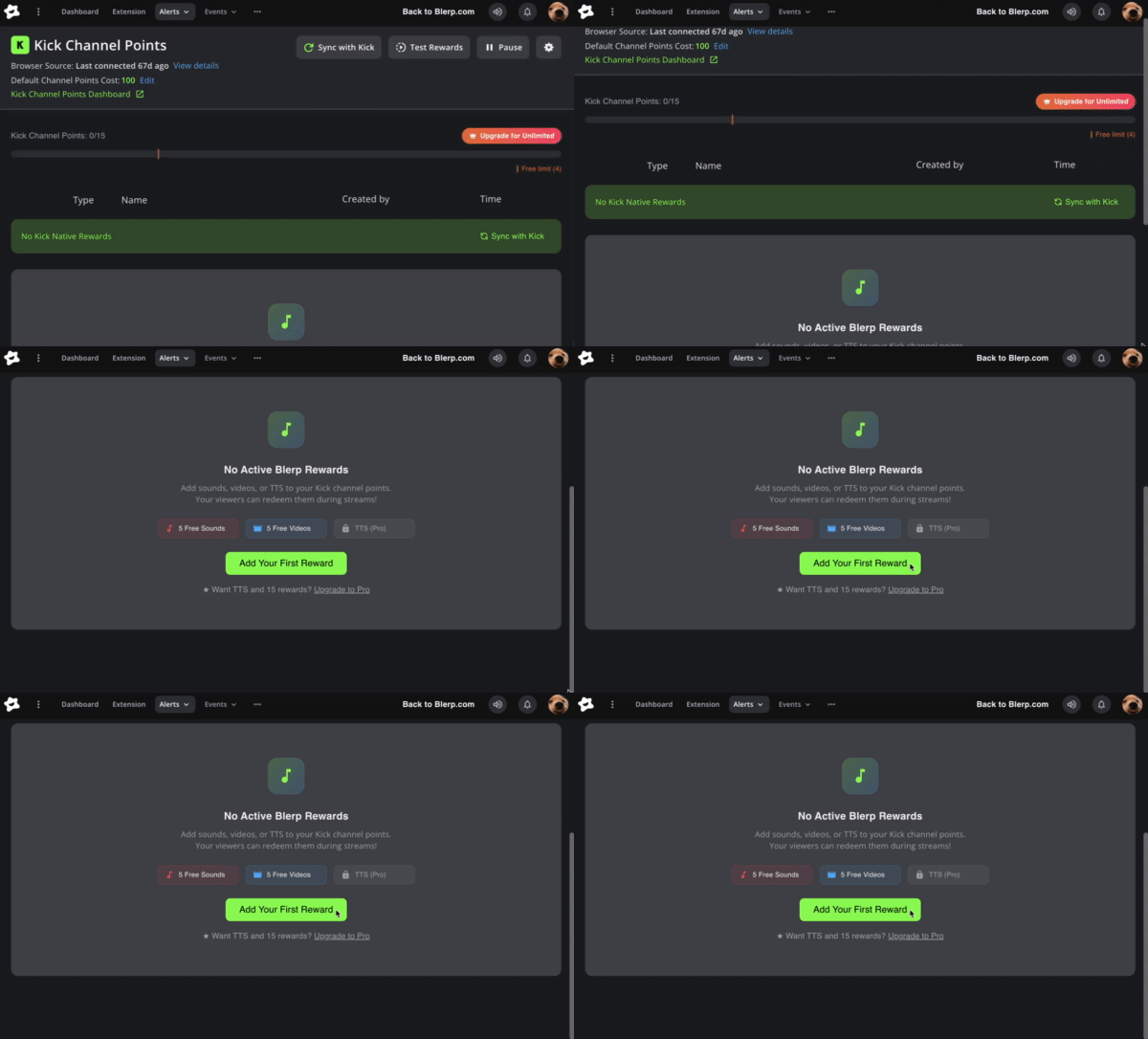
Click "Add Your First Reward". The Blerp sound library opens — you can search by name, browse by category, or filter by mood or game.
When you find a sound you want, click the + icon in the top-right corner of the sound card. It's now linked to a new Kick channel point reward.

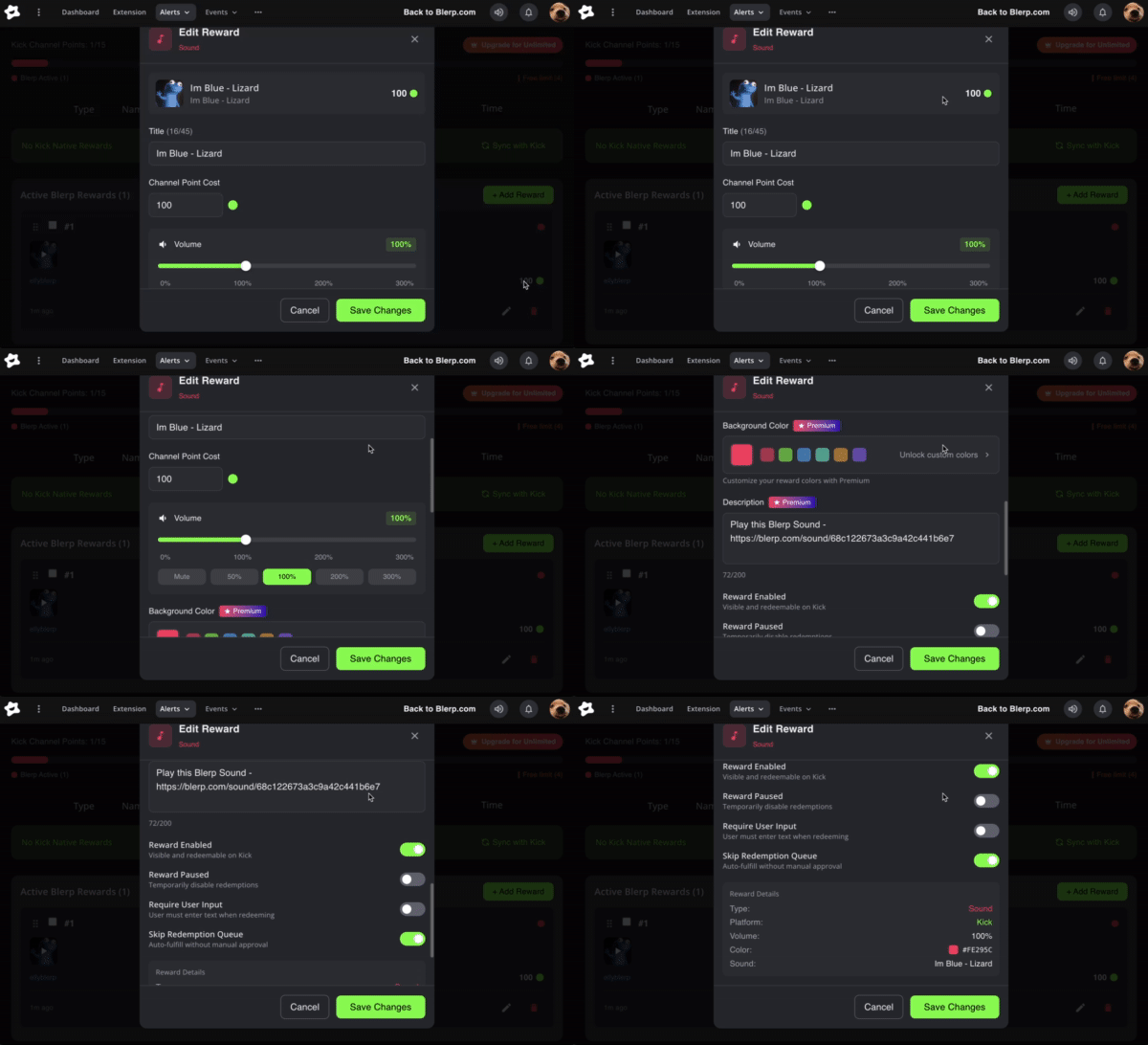
Step 4: How do you customize the reward?
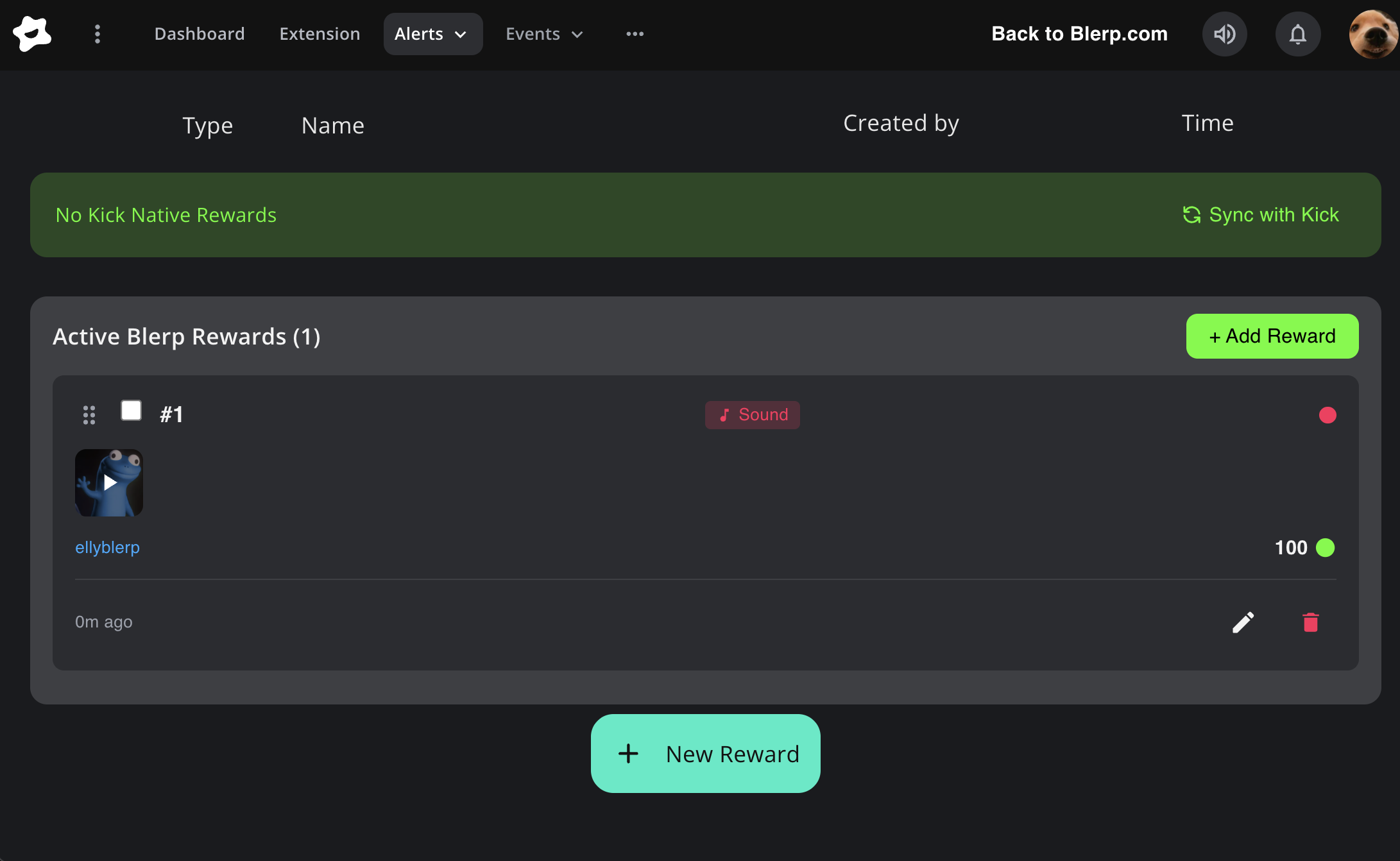
Once a sound is added, it shows up in your Active Blerp Rewards list. Click into it to edit:
Reward title: rename it to something your chat will recognize
Channel point cost: set the price viewers pay to trigger it
Sound volume: adjust so it doesn't overpower your mic
With a Blerp subscription, you can also set a background color for the reward and add a description that viewers see before redeeming.

Step 5: How do you get sound alerts to play through OBS?
This is the step that most guides skip — and the most common reason sounds don't play on stream.
Blerp outputs audio through a browser source in OBS. Without it, sounds play in your dashboard but your stream (and your viewers) won't hear them.
Here's how to add it:
In the Blerp Stream Editor, click on the "view details" next to Browser source, this will pop open another window with a list of browser source's. /
Copy the main URL if you're using video alerts in your kick channel point. Make sure to also add the full-screen browser source so that you can edit the dimensions without needing to touch the main browser source

Open OBS and click + under Sources to add a new source
Select Browser
Paste the Blerp URL into the URL field
Check Control audio via OBS so you can manage volume from your mixer (tip: make sure to set the advanced audio monitoring to "monitor and output")
Click OK

Go back to Blerp and Hit "Test" The main browser source will turn green once it has been connected

Your browser source is now live. Any sound redeemed through Kick channel points will play through this source on your stream.
For a deeper breakdown of how the browser source works with Blerp, see the Blerp Browser Source Breakdown guide.
Step 6: What are the advanced reward controls?
Each reward has a few extra settings worth knowing:
Enable / Disable: turn a reward on or off without deleting it
Pause: temporarily stop a reward during busy segments without removing it from the list
Require User Input: viewers have to type something when they redeem (useful for custom TTS-style sounds)
Skip Redemption Queue: the sound plays immediately instead of waiting in line
The pause option is especially useful during intense gameplay or when you're mid-conversation and don't want interruptions.
What sounds work best for Kick channel points?
Not all sounds are equal for channel points. Here's what tends to perform best:
Short clips (under 5 seconds): they land and move on. Long sounds become annoying fast, especially if multiple viewers redeem in a row.
Reaction sounds: things that trigger a natural response from you. "Windows XP error," a dramatic sting, a specific character quote. Your reaction is part of the bit.
Meme sounds: sounds chat already knows. They land immediately because no one needs context.
Game-specific sounds: if you play one game regularly, sounds from that game or its community become inside jokes over time.
Keep your highest-cost rewards for rare, impactful sounds. Keep your cheapest rewards for the fun, repeatable ones viewers will spam. Both have a place — just set costs accordingly.
For more ideas, check out the best Kick channel point reward ideas for a full list of what works across different stream styles.
What should you do if your Kick sound alerts aren't playing?
A few things to check if sounds aren't coming through:
Sound plays in dashboard but not on stream: your browser source isn't set up yet, or it's been removed from OBS. Go back to Step 5 and re-add it.
Sound plays on stream but viewers can't hear it: your OBS monitor output settings may be routing audio incorrectly. Check that the browser source has audio monitoring enabled in OBS. See why viewers can't hear Blerp alerts for the full fix.
Channel points aren't showing up in Kick: your Kick connection may have expired. Go back to the Stream Editor and reconnect your Kick account under Grant Channel Point Access.
Rewards appear but sounds don't trigger: make sure the reward isn't paused or disabled in your Active Blerp Rewards list.
What else can you unlock with a Blerp subscription?
The core setup above is available on Blerp's free tier. A subscription adds:
More active reward slots (free tier has a limit)
Custom reward background colors
Reward descriptions visible to viewers before they redeem
Priority sound processing during high-volume moments
If your channel points are getting regular redemptions and you want to expand your setup, it's worth looking at. You can see what's included at blerp.com/streamer-subscription.
You're ready to go
Connect your Kick account, add a few sounds, drop the browser source into OBS, and your viewers can start triggering Kick sound alerts with channel points.
If you want to take it further, Kick channel point rewards offers everything Blerp can do on Kick, including TTS voices, Media Share, and more, beyond sound alerts.