When setting up Blerp for your stream, adding the correct browser source URLs to your broadcasting software (like OBS or Streamlabs) is one of the most important steps to ensure everything works as expected. This connection is what allows Blerp’s audio, alerts, videos, and overlays to visually and audibly show up on your stream for your viewers.
Here’s a breakdown of what browser sources are, how they work, and which Blerp browser source URLs you should use depending on what features you want to enable.
What Is a Browser Source URL?
A browser source URL is a unique web link that connects your streaming software (like OBS) to external tools, like Blerp. When you add this URL into OBS, it creates a window into that tool, allowing it to send overlays, sounds, and media directly to your stream.
Think of it like a visual plug. This is what powers your Blerp extension alerts, sound effects, video redeems, and interactive overlays so they appear live for your audience.
Why Browser Sources Matter for Blerp
Without a browser source, your viewers won’t see (or hear) Blerp activity on stream. Whether it's someone redeeming a sound or a video, the browser source is what makes that possible.
Getting this set up correctly is crucial. Blerp makes it easy by offering dedicated browser source URLs for different features.
Types of Blerp Browser Sources and When to Use Them
Here’s a breakdown of the different browser source options you’ll find inside your Blerp dashboard, and what they’re each best used for:
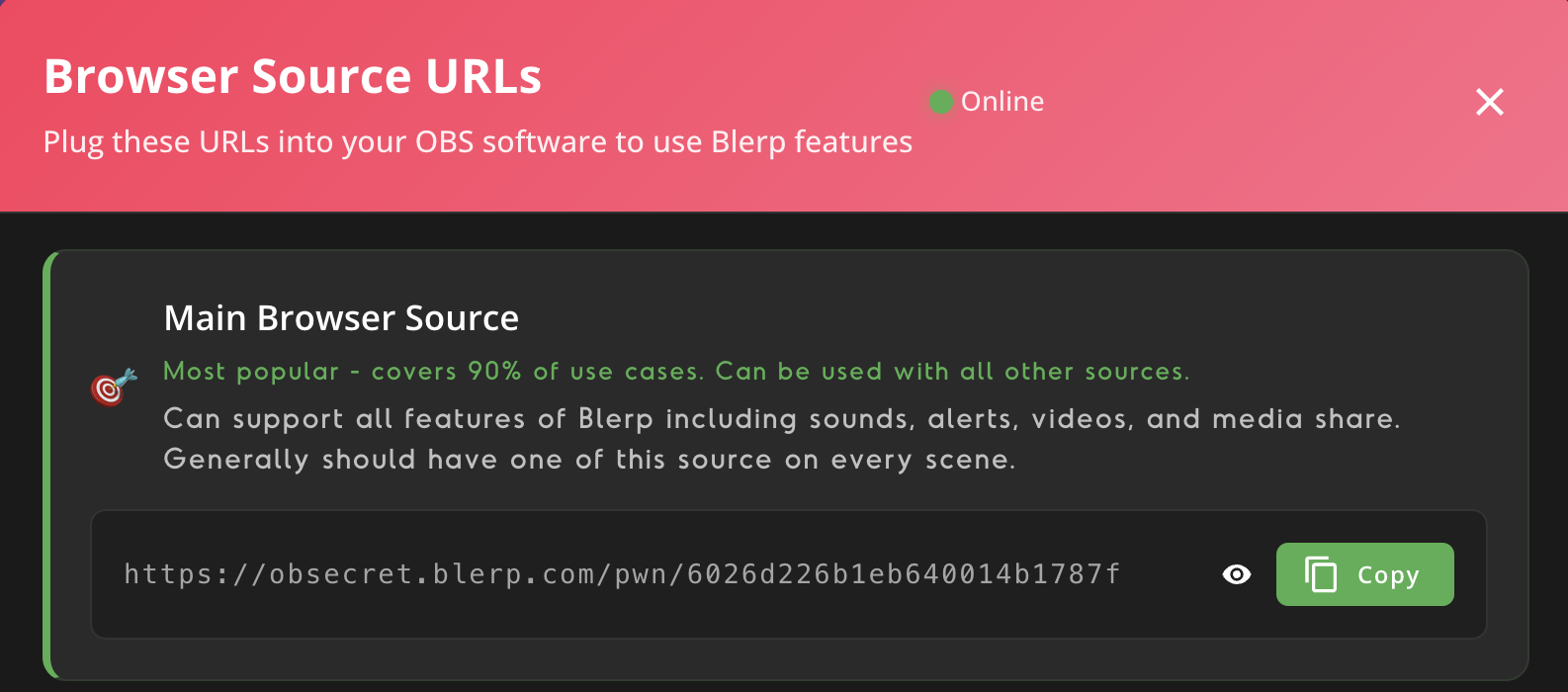
1. Main Browser Source
Most Popular – Use This on Every Scene
- Supports sounds, alerts, videos, and media share
- Can be used alongside all other sources
- Should be placed on every scene of your stream setup
This is your all-in-one Blerp browser source and covers about 90% of use cases. If you're not sure where to start, start here.
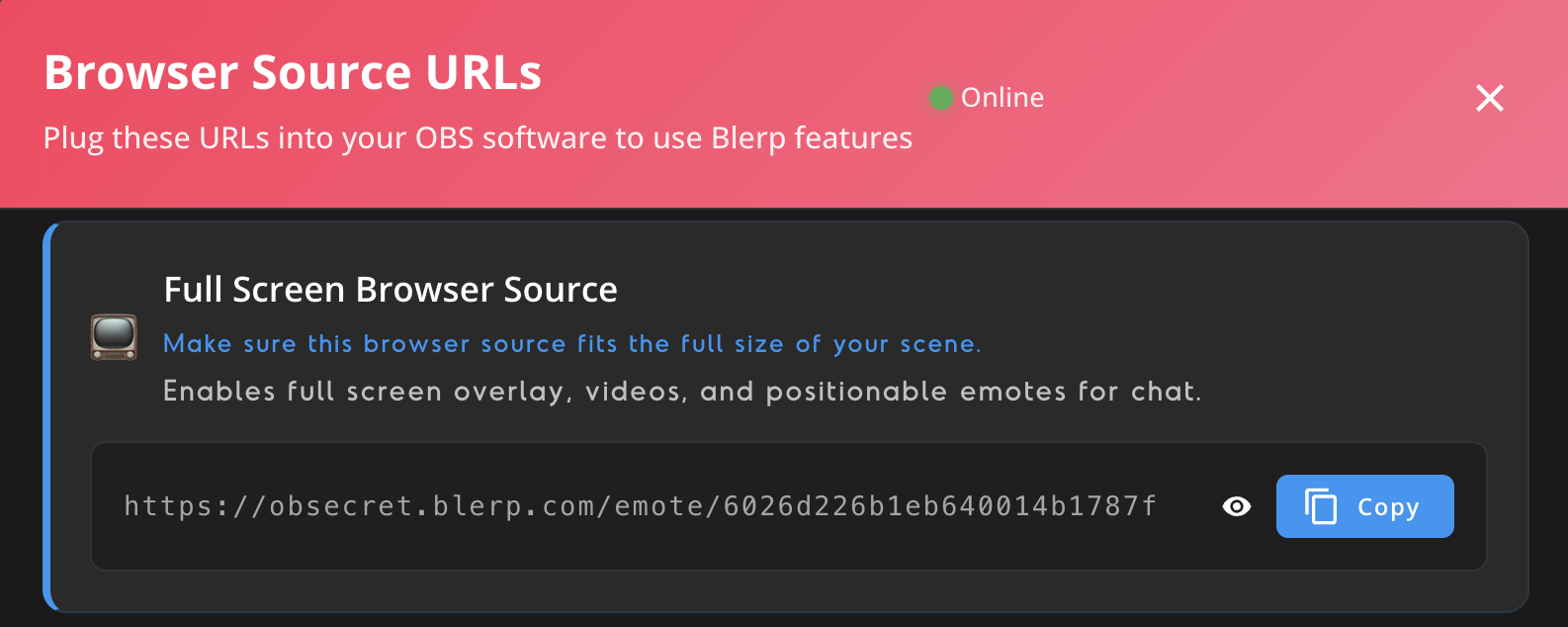
2. Full Screen Browser Source
Best for Full Stream Overlays and Positionable Emotes
- Make sure this source matches the full size of your stream scene
- Powers full-screen video alerts and overlay animations
- Enables positionable emotes from chat activity
Perfect for loud, full-screen Blerp moments.
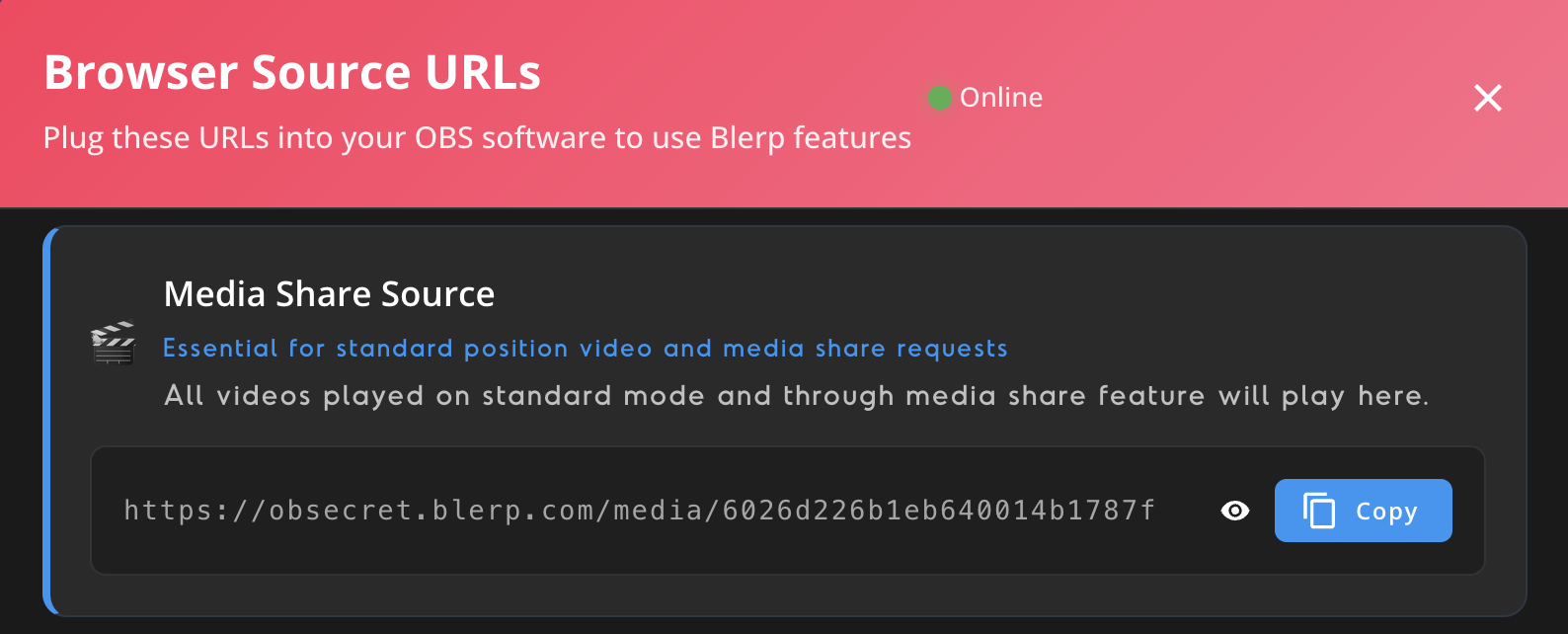
3. Media Share Source
Essential for Standard Video Redeems
- Supports video redemptions in standard mode
- Handles all media share content
This browser source is essential if you’re using Blerp’s media share feature, when viewers redeem video clips to play on stream.
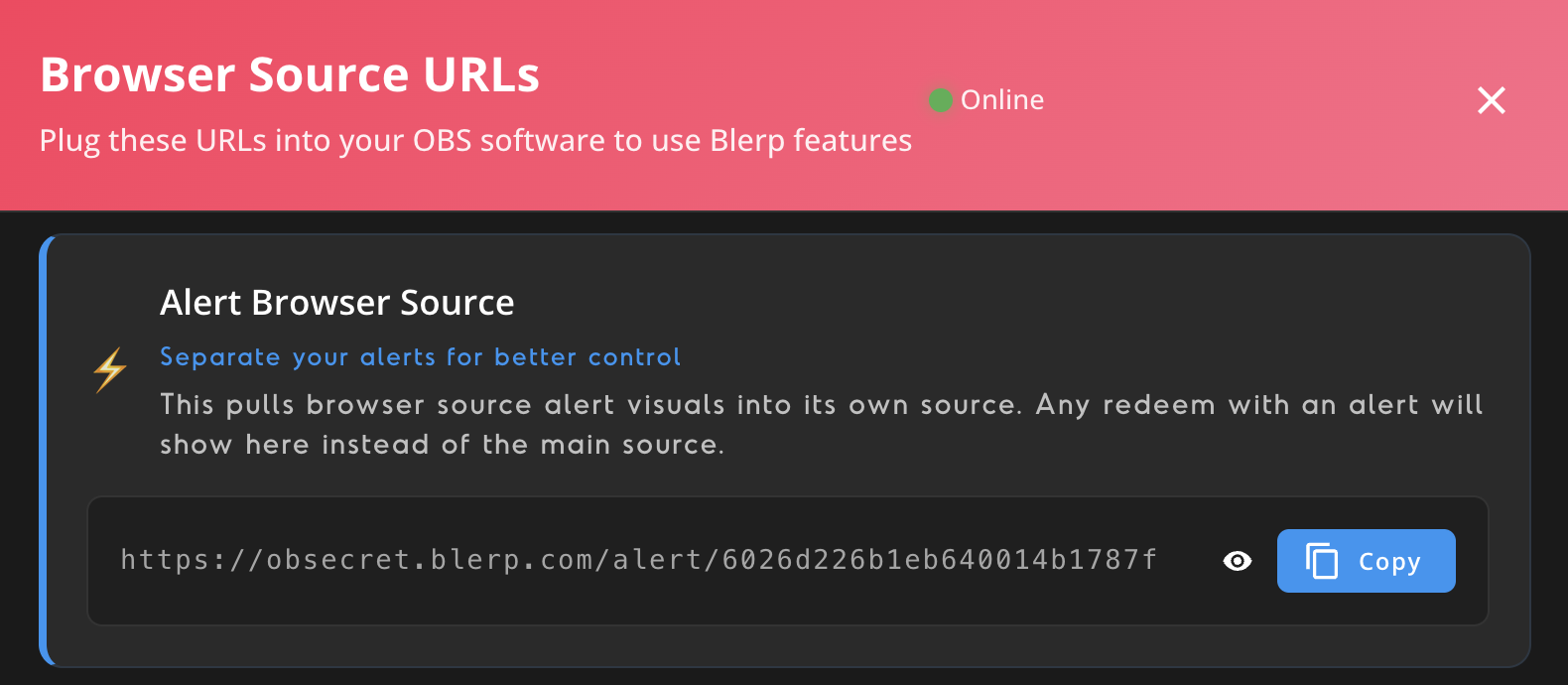
4. Alert Browser Source
Separates Alerts for More Custom Control
- Use this to isolate alert visuals from other features
- Alerts will show only in this source, not the Main Browser Source
Want to move or resize alerts independently from sounds or media? Use this for better layout and animation control.
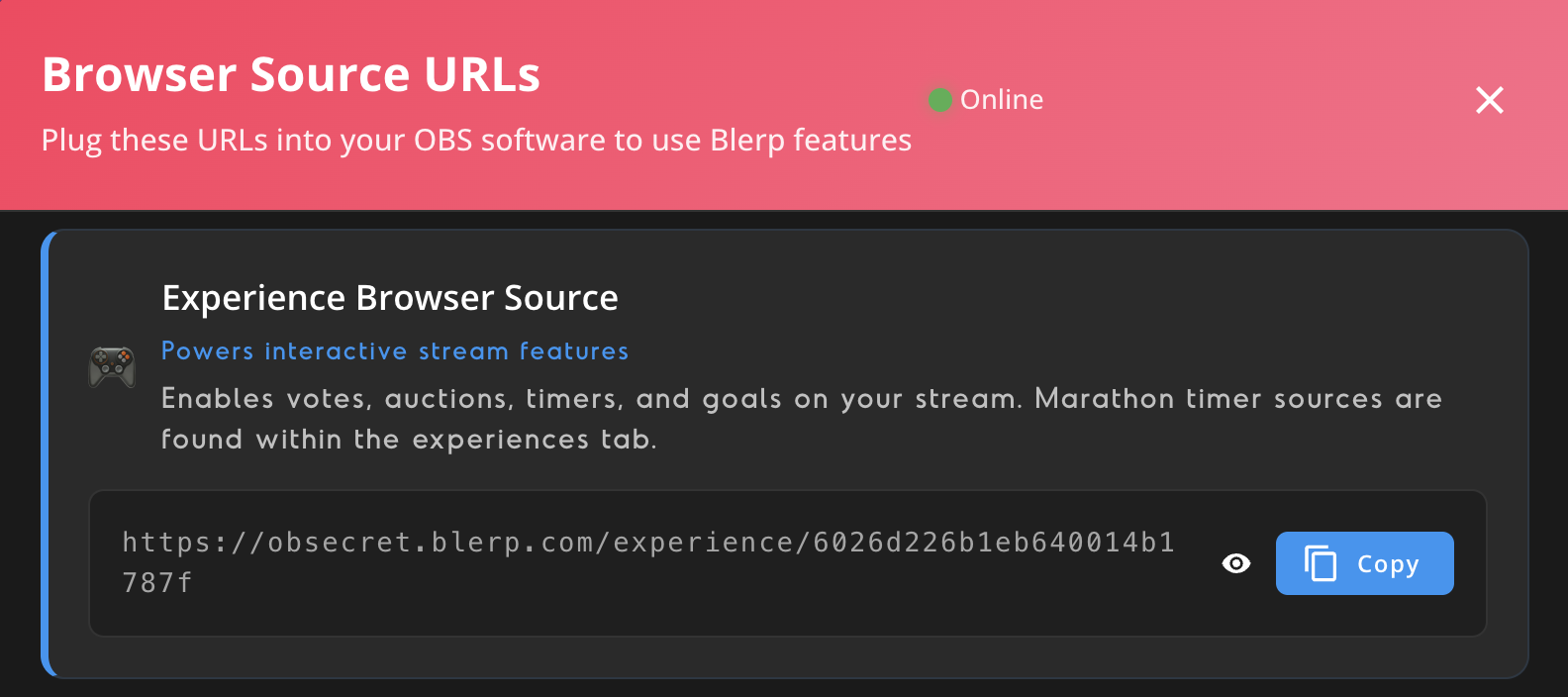
5. Experience Browser Source
Enables Interactive Stream Features
- Displays votes, auctions, timers, and sub goals
- Needed to show marathon timer visuals
If you’re using Blerp’s interactive features like Timers & Goals, this is the source that makes it visible on stream.
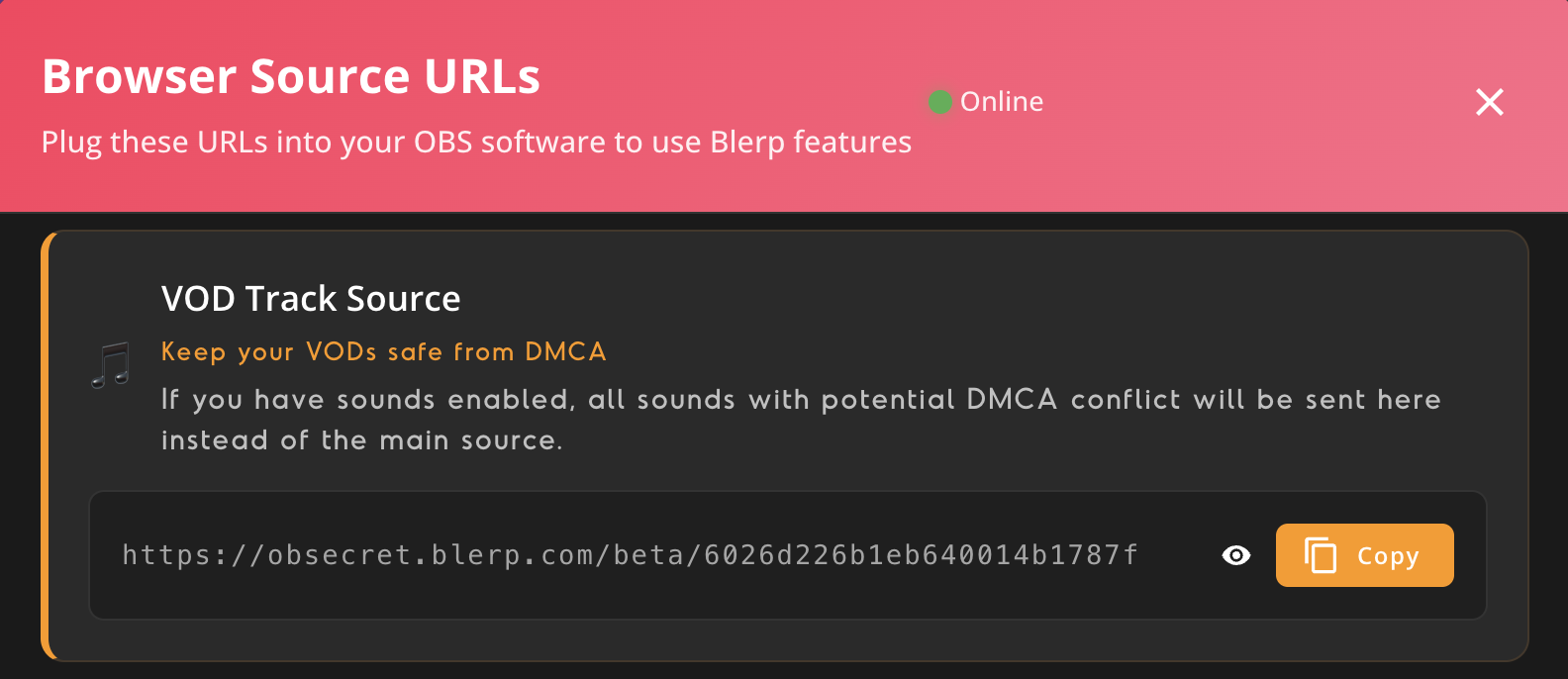
6. VOD Track Source
Protects Your Stream from DMCA Issues
- Sends potentially copyrighted sounds here
- Ensures they don’t appear in your recorded VOD
Ideal if you want to still enjoy Blerp’s full sound library live, without risking takedowns later.
7. Simple Mode Source
Fallback Option for Audio Issues
- Only use if you’re having technical trouble with the Main Browser Source
- A minimal version to help diagnose or bypass audio problems
Most streamers won’t need this, but it’s a helpful backup if you’re experiencing issues.
Need Help Adding a Browser Source?
Check out our full guide on how to add a browser source URL to your OBS or Streamlabs setup:
How to Add Blerp to OBS
Final Thoughts
Adding the right browser source is what brings Blerp to life on your stream. Whether you’re keeping it simple with just sounds, or going all in with alerts, full-screen videos, and community interactions, setting up the right sources is key.
Start with the Main Browser Source, then layer on the other URLs depending on what features you want to unlock. With the right setup, Blerp can become a dynamic part of your stream that your viewers will love.